

ACSI2STM Hard Disk for Atari ST series
ACSI2STM Hard Disk for Atari ST series
Couldn't load pickup availability
microSD storage for your Atari ST, STE, Mega ST or Mega STE
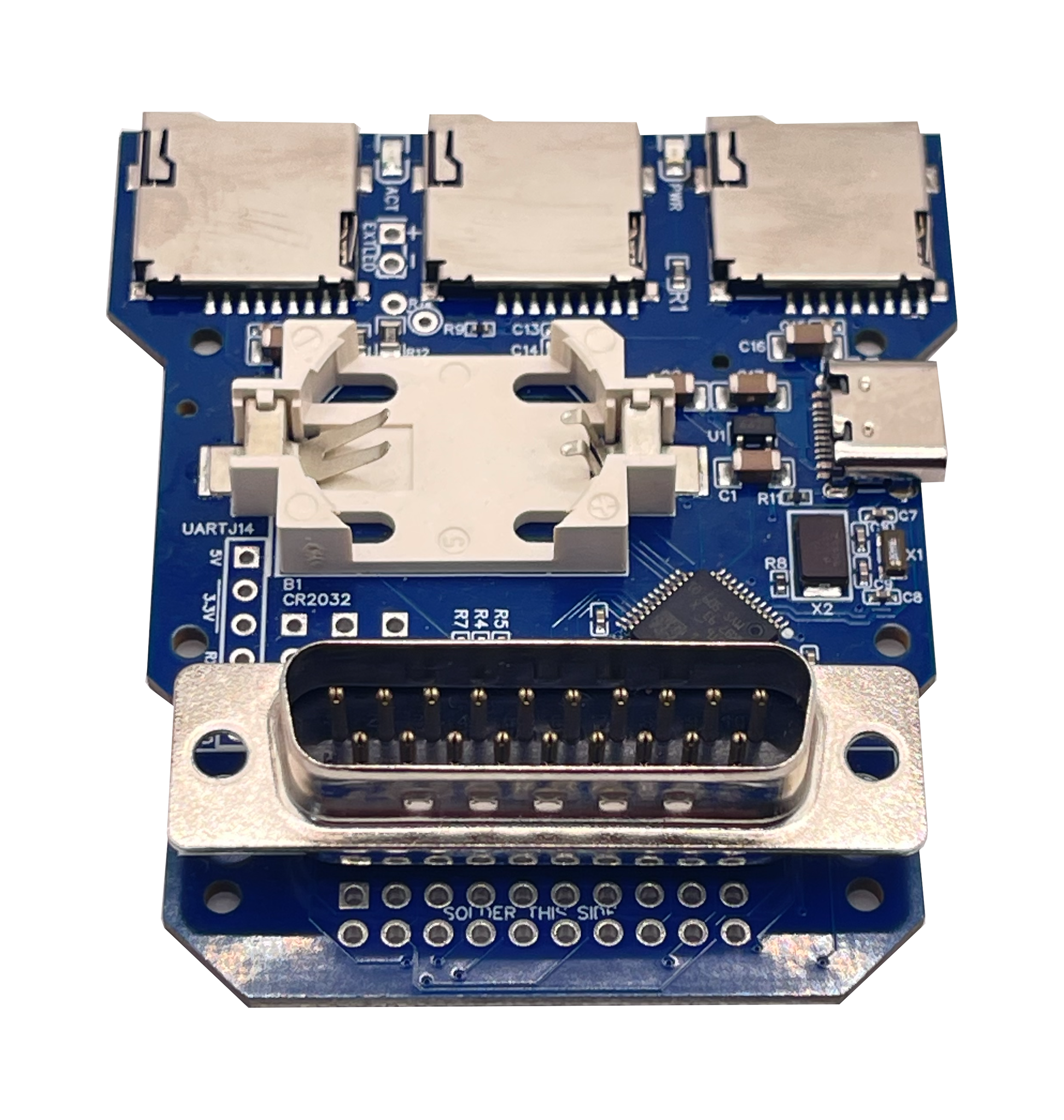
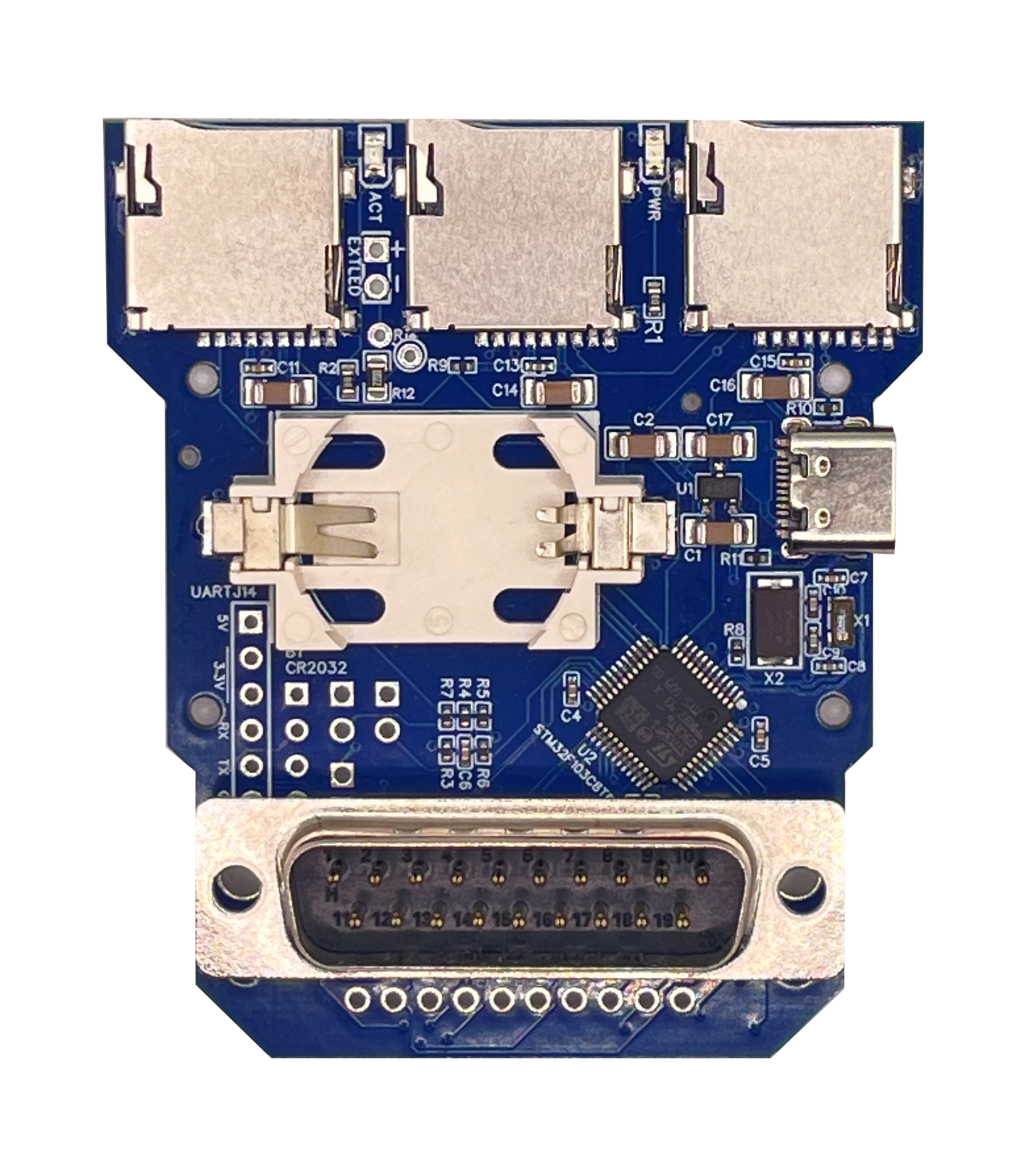
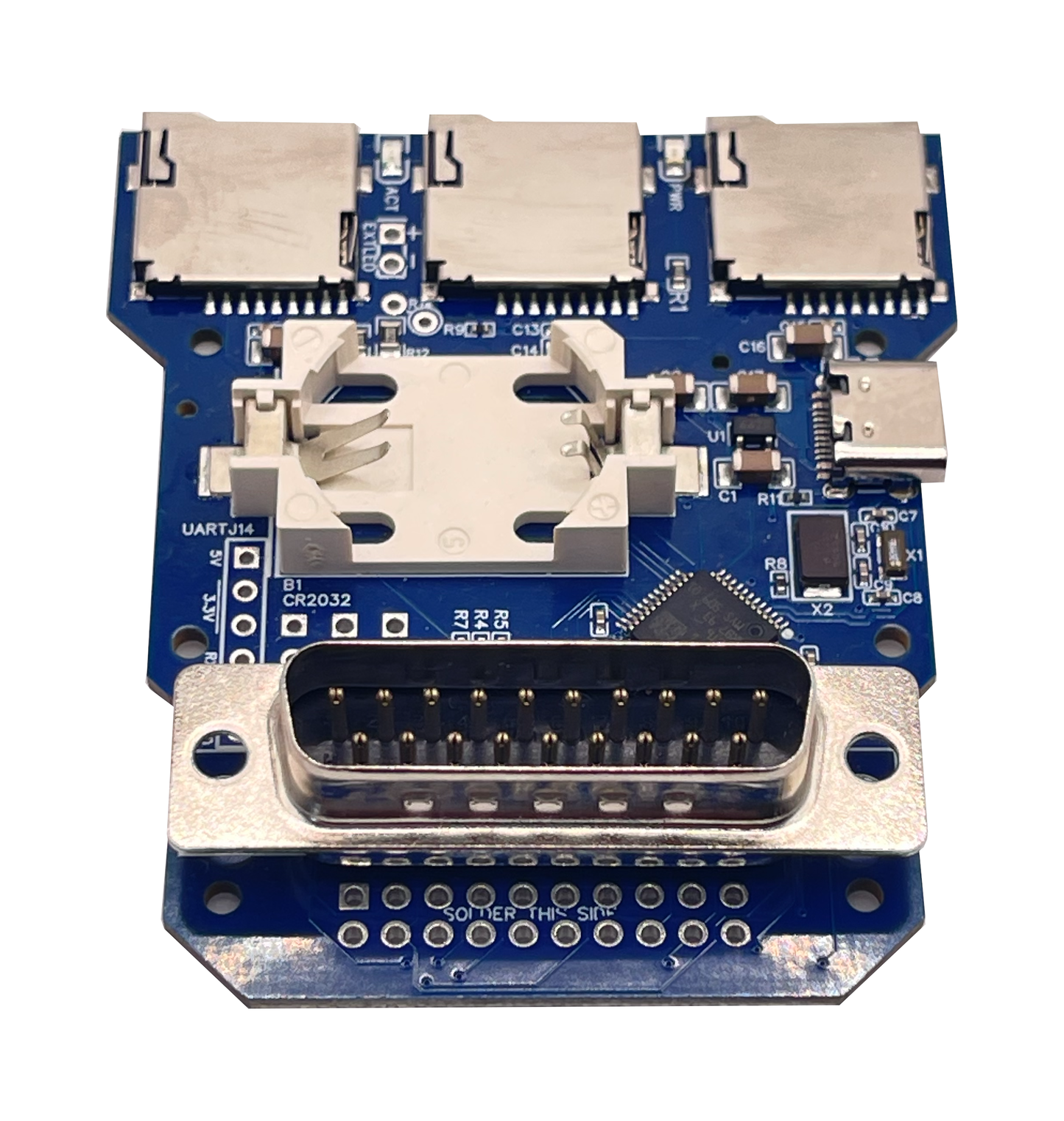
The ACSI2STM Compact turns a microSD card into a fast, silent hard disk for any Atari with an ACSI port. It is a derivative of the ACSI2STM open-source project by retro16, built on a compact 4-layer board with a direct DB-19 connector, IDC20 chaining header and external LED output. Same firmware, same modes, no soldering required.
Ships from Spain. For the Atari ST, STE, Mega ST and Mega STE.
Key features
- Direct DB-19 connection: built-in D-SUB DB-19 connector mates the board straight into the Atari ACSI port. No loose ribbon cables, no adapters, no flaky contacts on an aging port.
- 4-layer PCB, premium microSD slots: upgraded 4-layer PCB for better signal integrity on electrically noisy machines, paired with the same high-quality push-eject microSD slots used on the SidecarTridge Multi-device.
- GemDrive mode, no drivers needed: format the microSD card with FAT16, FAT32 or ExFAT, drop in files from any modern PC, and the Atari sees them straight away. No Atari-side drivers, no extra partitioning.
- ACSI mode for legacy software: emulates traditional ACSI hard drives with multiple partitions using Atari-compatible drivers, for full compatibility with classic software that expects a real hard disk.
- UltraSatan-compatible RTC: on-board real-time clock keeps the date right between cold boots when fed by a CR2032 lithium battery (not included).
- Firmware upgrade from the Atari: future fixes and features land directly through the Atari itself via the firmware update utility. No JTAG, no programmer, no host PC required.
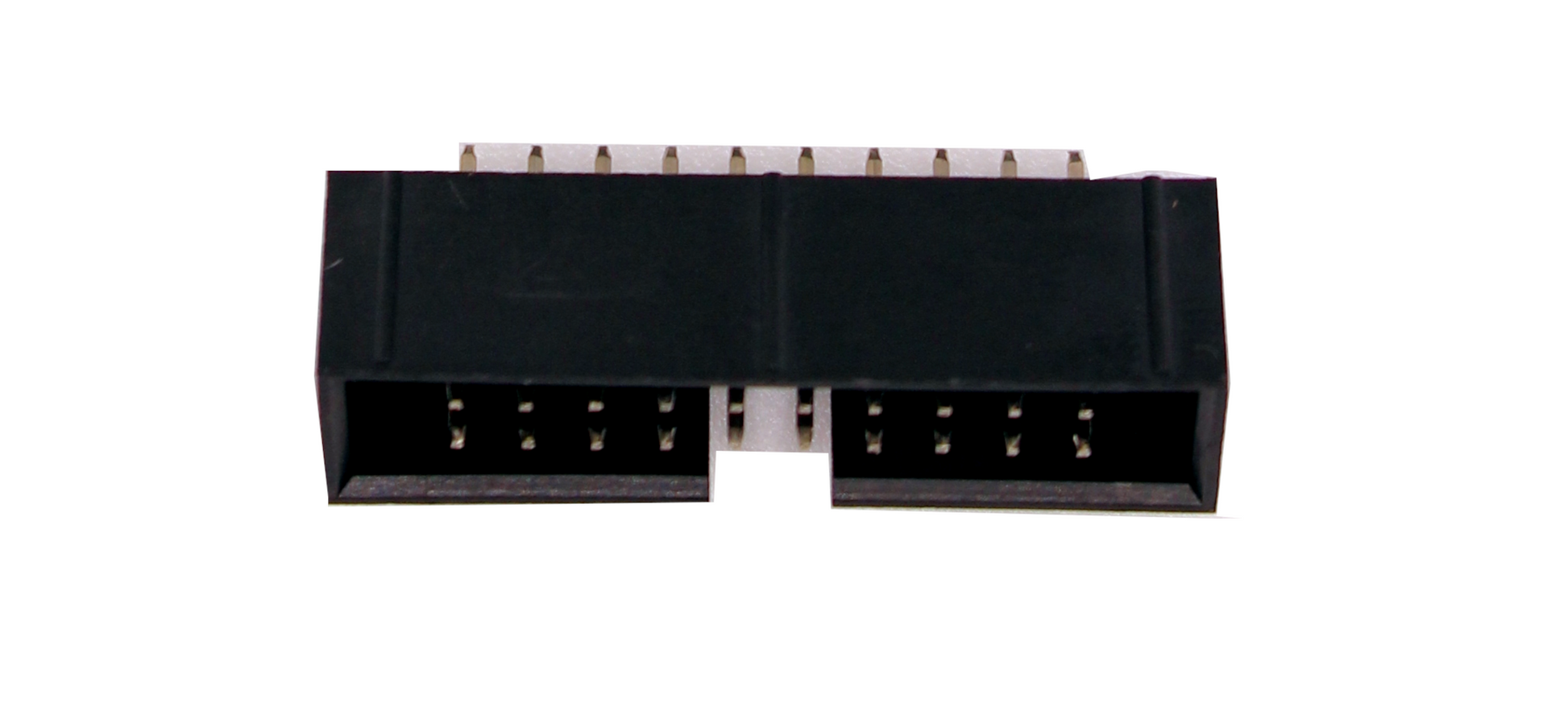
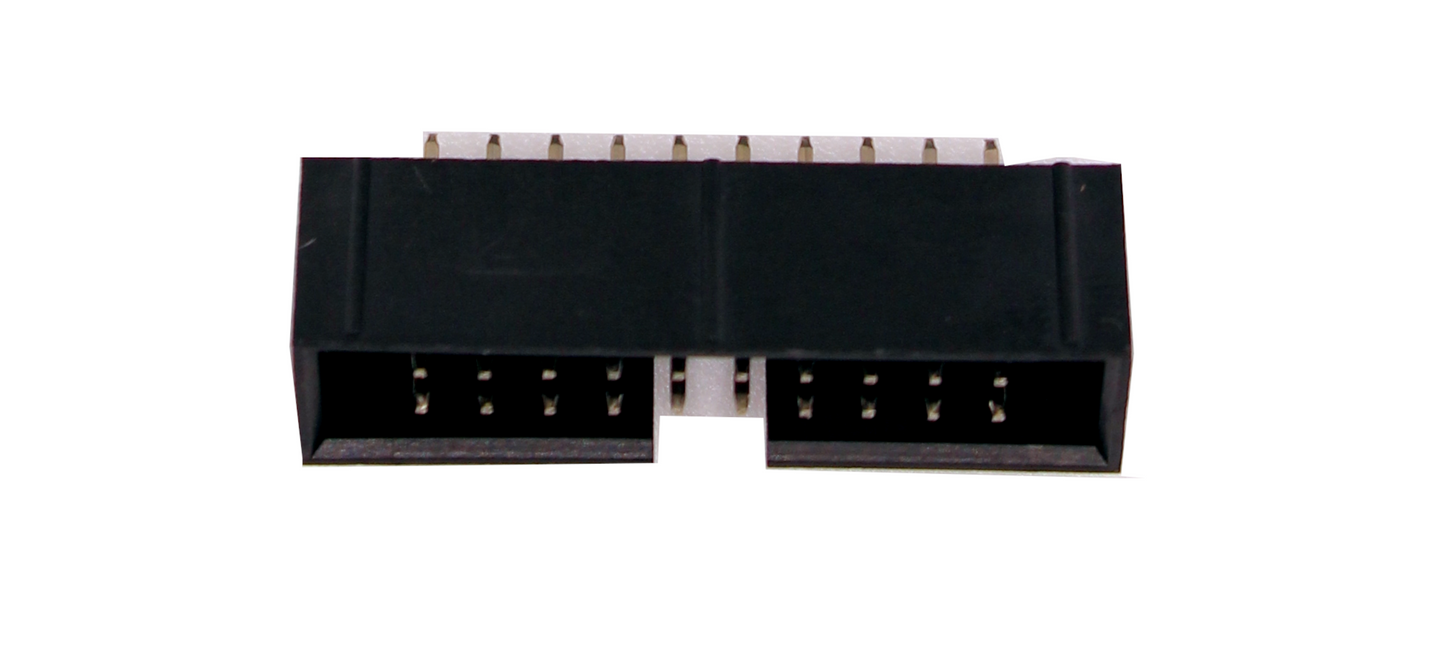
- IDC20 chaining and external LED: on-board IDC20 header for SatanDisk-style adapters and daisy-chaining, plus a 2-pin external LED output for clean activity feedback when installed inside a Mega ST or Mega STE. Features the Mini does not have.
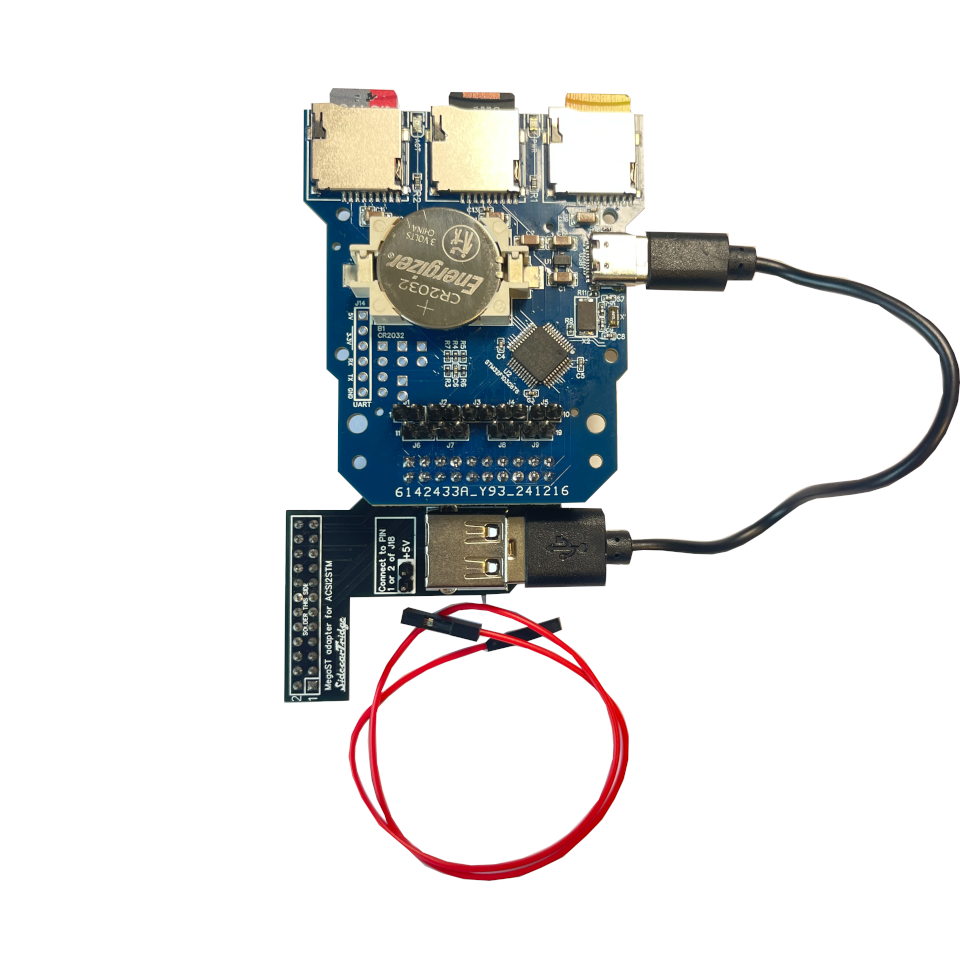
- Internal install in a Mega: optional riser kits dedicated to Mega ST and Mega STE drop the Compact inside the case, drawing power from the internal supply. No external cables, no USB charger on the desk, original look preserved.
Pick a kit
- ACSI2STM Compact (external): the board fully assembled and tested, DB-19 connector factory-soldered, IDC-20 chaining connector and 1x2-pin external LED header supplied unsoldered, latest stable firmware preloaded.
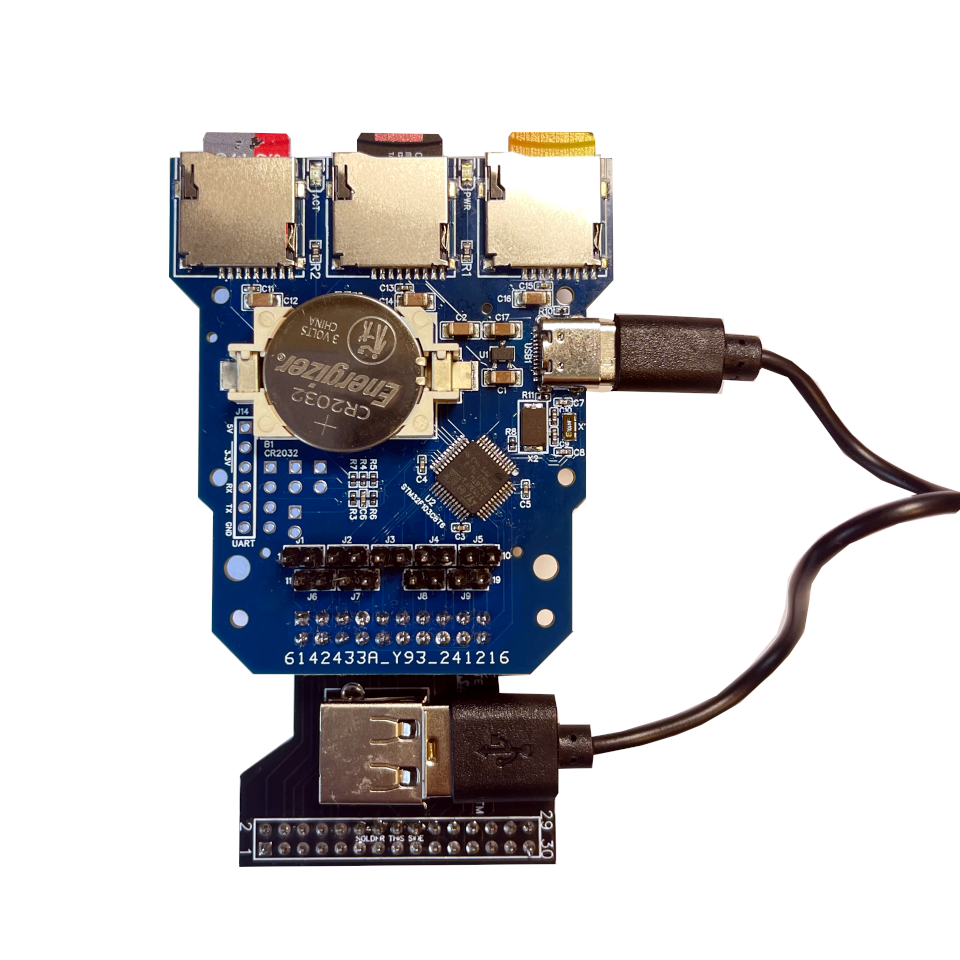
- Compact + Mega ST riser kit: everything in the standalone kit plus the Mega ST riser board (pre-soldered 24-pin and 20-pin female connectors, USB-A power-only connector, two 5V power pins and a 20 cm Dupont red cable) and a 10 to 15 cm USB-A to USB-C cable.
- Compact + Mega STE riser kit: everything in the standalone kit plus the Mega STE riser board (pre-soldered 30-pin and 20-pin female connectors, USB-A power-only connector) and a 10 to 15 cm USB-A to USB-C cable.
Pick the riser kit that matches your motherboard from the variant selector above. The board can be moved to another machine later. Internal install steps live in the internal riser quickstart.
Installation overview
- Prepare a microSD card with FAT16, FAT32 or ExFAT for GemDrive mode, or with the appropriate Atari hard-disk driver image for ACSI mode.
- Insert the microSD card into one of the slots on the board.
- Connect the Compact to the Atari ACSI port through the built-in DB-19 connector.
- Power the board with a USB-C cable plugged into a USB-C charger, a USB power bank, a host computer or a SidecarTridge Multi-device. The ACSI port does not deliver enough current on its own.
- Power on the Atari. The microSD card shows up as a hard drive ready for use.
Full documentation lives at docs.sidecartridge.com/acsi2stm-atari-st.
Compatibility
| Atari model | Status |
|---|---|
| Atari 520 STF / STFM | Supported |
| Atari 1040 STF / STFM | Supported |
| Atari STE / 1040 STE | Supported (Bad-DMA workaround via PIO mode if needed) |
| Atari Mega ST | Supported (external, or internal with the Mega ST riser kit) |
| Atari Mega STE | Supported (external, or internal with the Mega STE riser kit) |
| Atari TT | Not supported |
| Atari Falcon | Not supported |
The Compact is a derivative of the upstream ACSI2STM project and tracks its compatibility scope. The PIO workaround for the Atari STE Bad-DMA issue is part of the firmware; the trade-off is slower transfers. Full detail in the documentation.
Specs
- MCU: STM32 family (ACSI2STM reference design).
- Interface to Atari: D-SUB DB-19 connector, ACSI bus.
- Storage: push-eject microSD slots, FAT16 / FAT32 / ExFAT (GemDrive) or Atari-formatted images (ACSI).
- Operating modes: GemDrive and ACSI.
- RTC: UltraSatan-compatible, CR2032 lithium battery (not included).
- Expansion: IDC20 chaining header, 2-pin external LED output.
- Power: USB-C, 5V (no power drawn from the ACSI port).
- Firmware: open-source, OTA upgrade from the Atari itself.
- Upstream project: retro16/acsi2stm, GNU License.
Compact or Mini?
Pick the Compact if you want IDC20 chaining and SatanDisk compatibility, an external activity LED output, an internal install in a Mega ST or Mega STE through a dedicated riser kit, or a third microSD slot. If you want the smallest possible footprint with an optional desk-ready enclosure and the same core firmware and modes, look at the ACSI2STM Mini instead.
Good to know
- You will also need a USB-C cable, a USB power source and a microSD (SD, SDHC or SDXC) card. The CR2032 RTC battery and an external LED are optional.
- The board revision nickname is "Castillian" but it runs the same binary as the upstream ACSI2STM firmware.
- This is a homebrew product for hobbyists who enjoy running real Atari hardware and reading documentation. It is not a sealed appliance with a single-vendor warranty stack.
- A community enclosure is published on Printables and can be 3D-printed by anyone. It is not sold by SidecarTridge.
- The firmware is upstream open source. Bug reports and feature requests go on the retro16/acsi2stm GitHub repository; SidecarTridge handles hardware-side support for the boards it sells.
Share
- 5 stars: 2 (100%)
- 4 stars: 0 (0%)
- 3 stars: 0 (0%)
- 2 stars: 0 (0%)
- 1 star: 0 (0%)
Product is easy to setup and use and I was very pleased by the fast and informative support that I received from Chati.
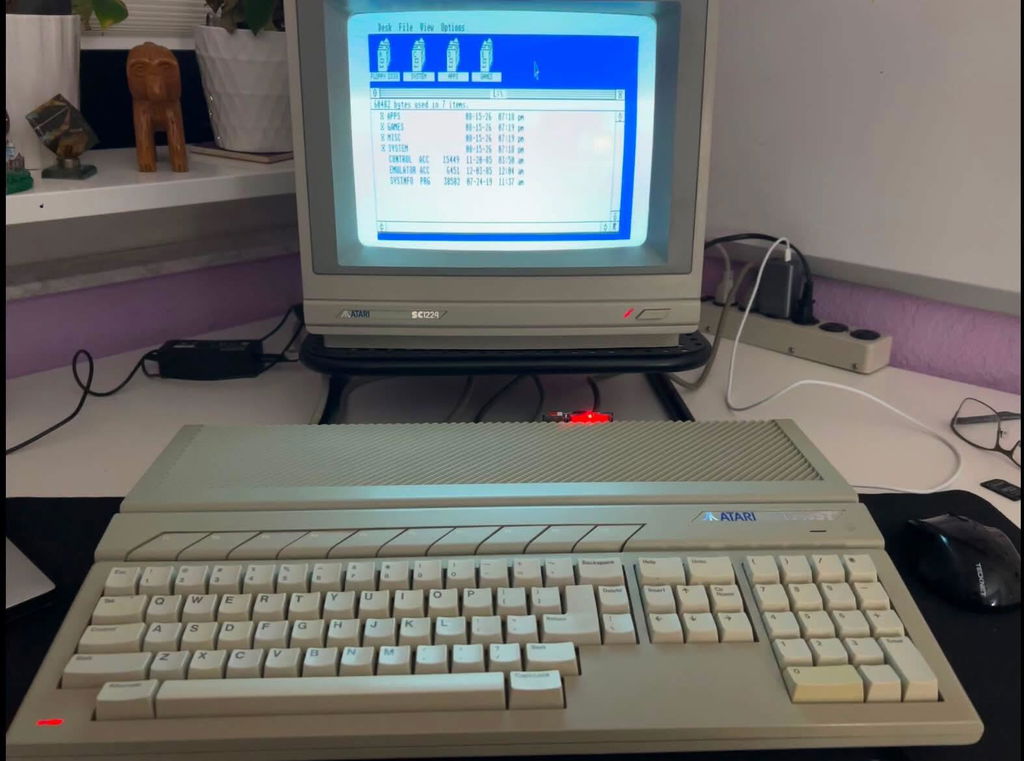
Brilliant little device. Super easy to install and get going and has made my STE infinitely more usable now.