Taxes included for EU only (see banner).
Shipping calculated at checkout.
Quantity
Couldn't load pickup availability
Hot-swap TOS versions on your Atari ST
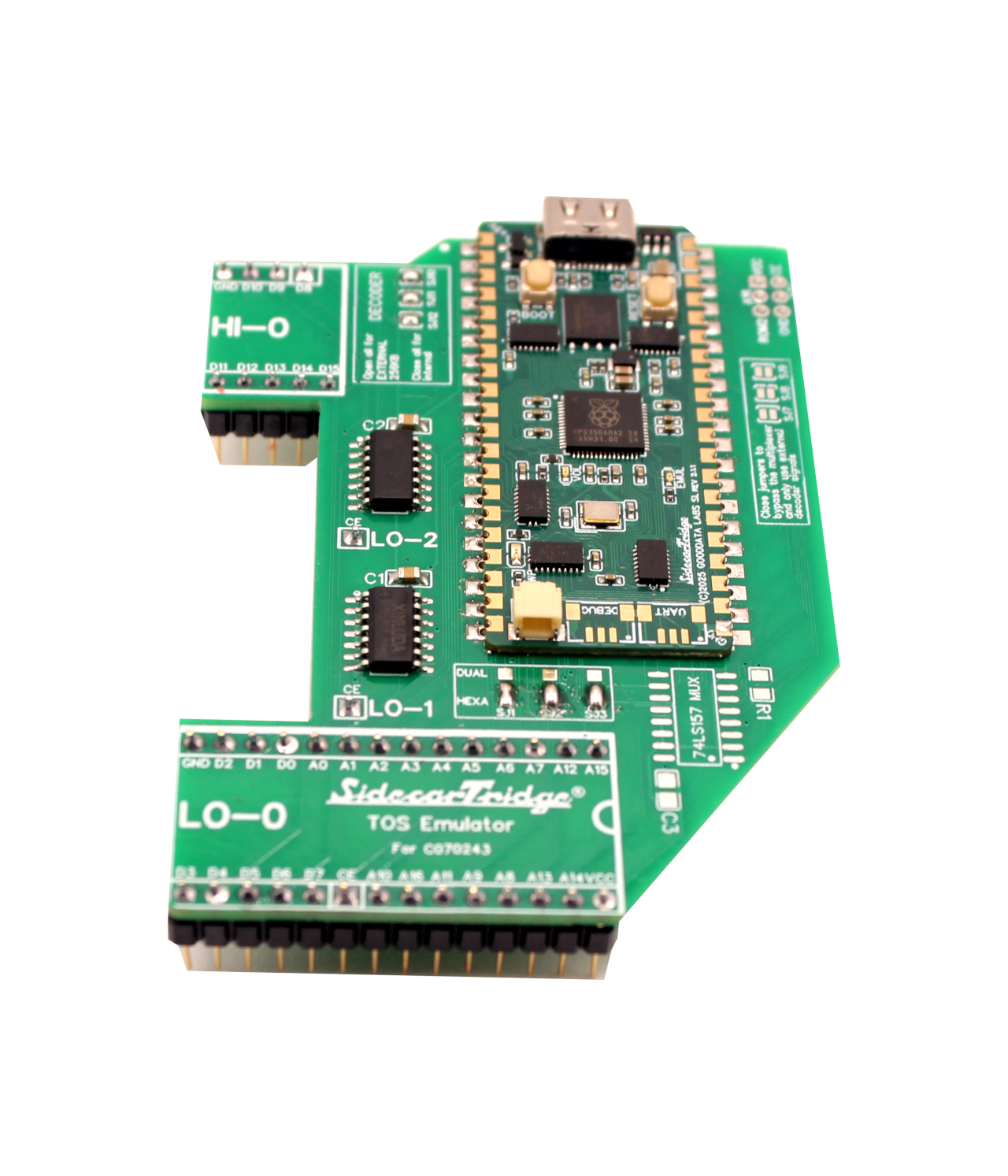
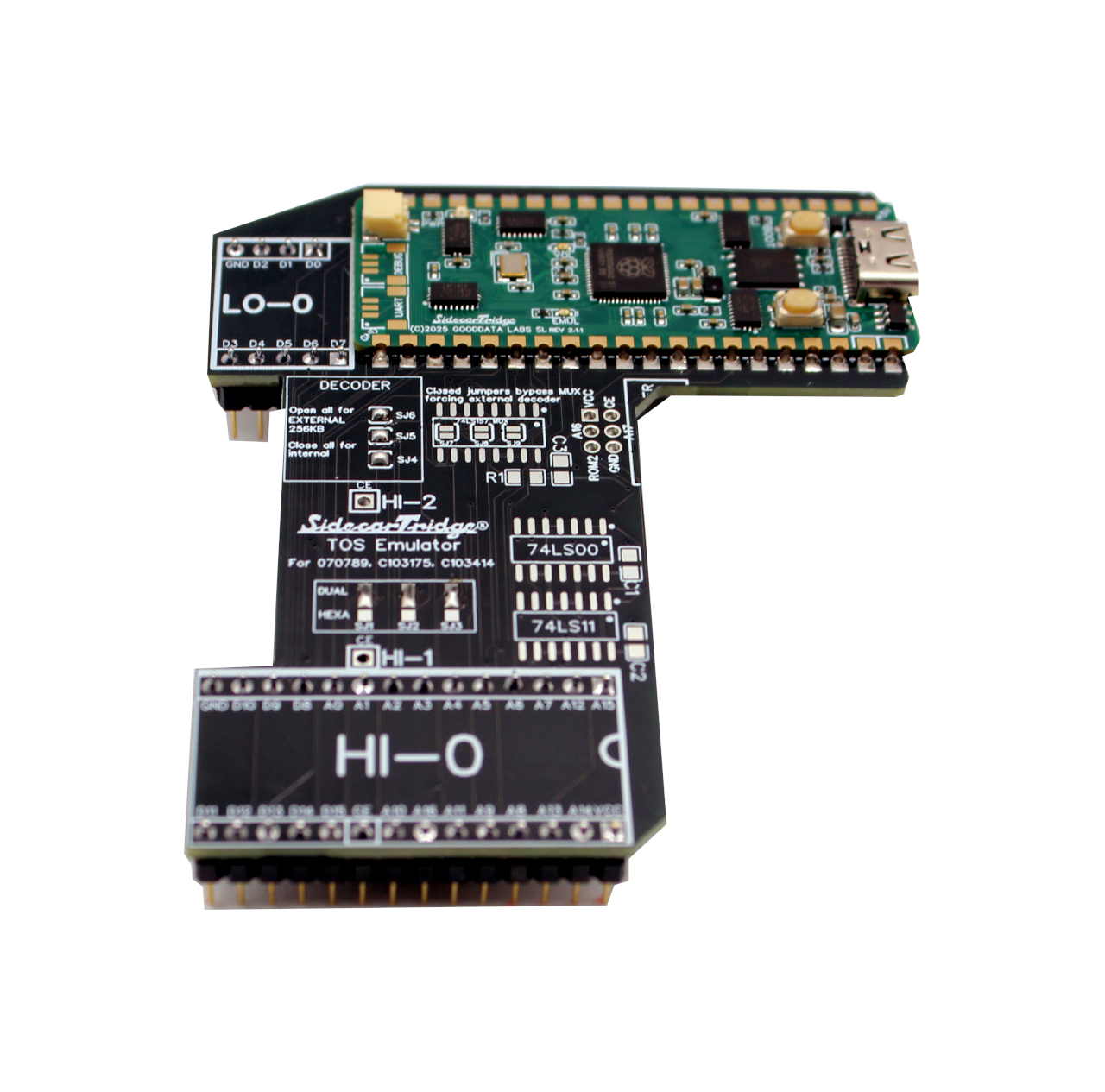
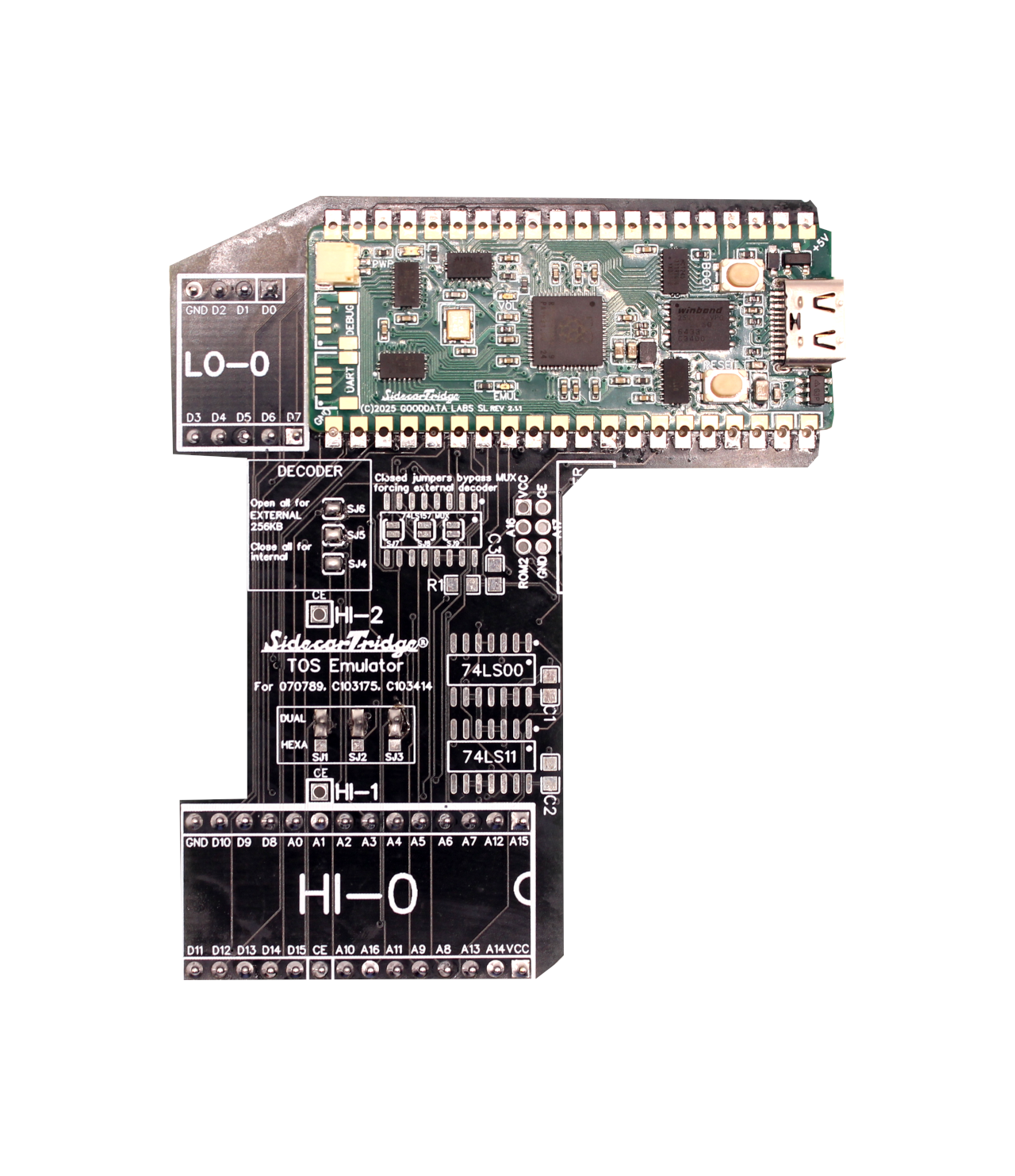
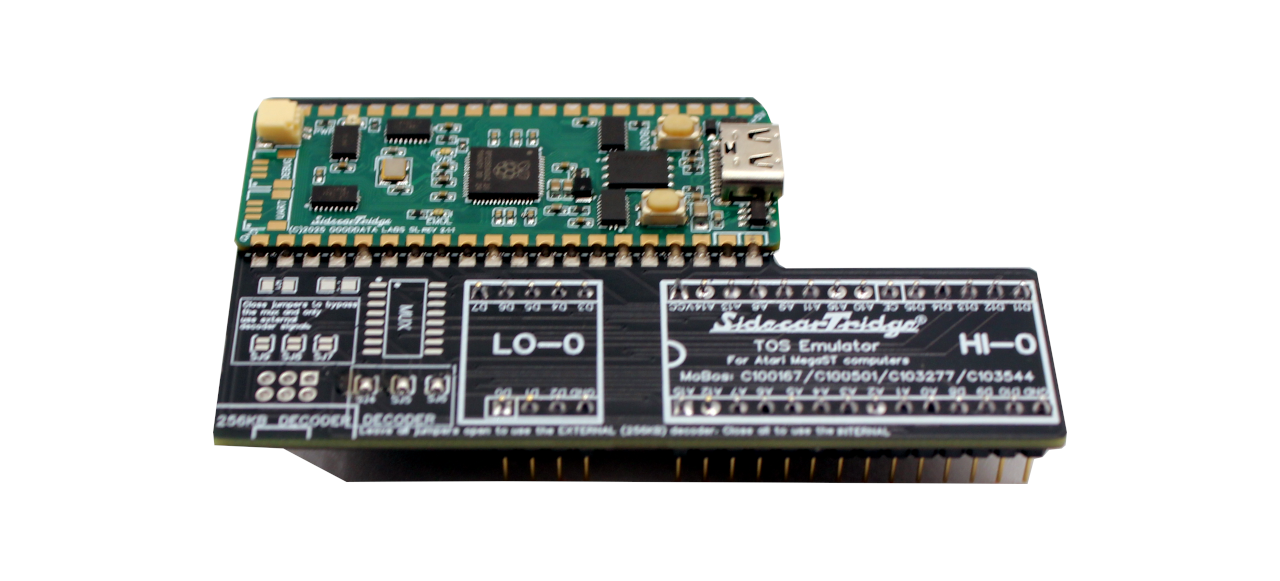
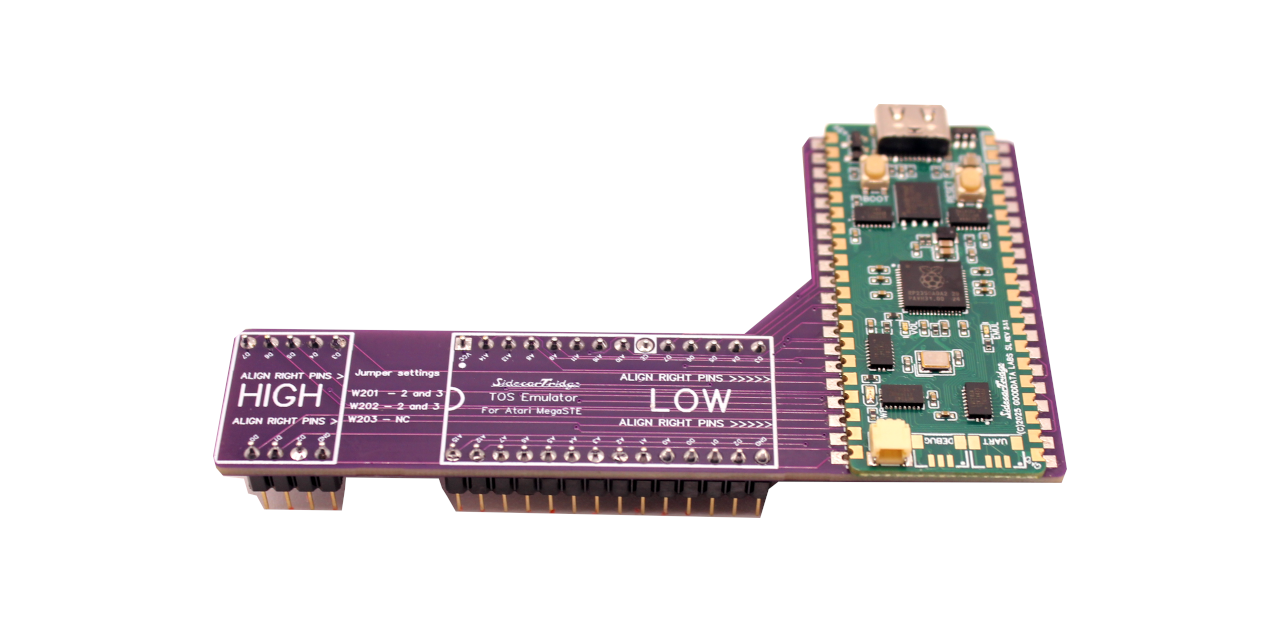
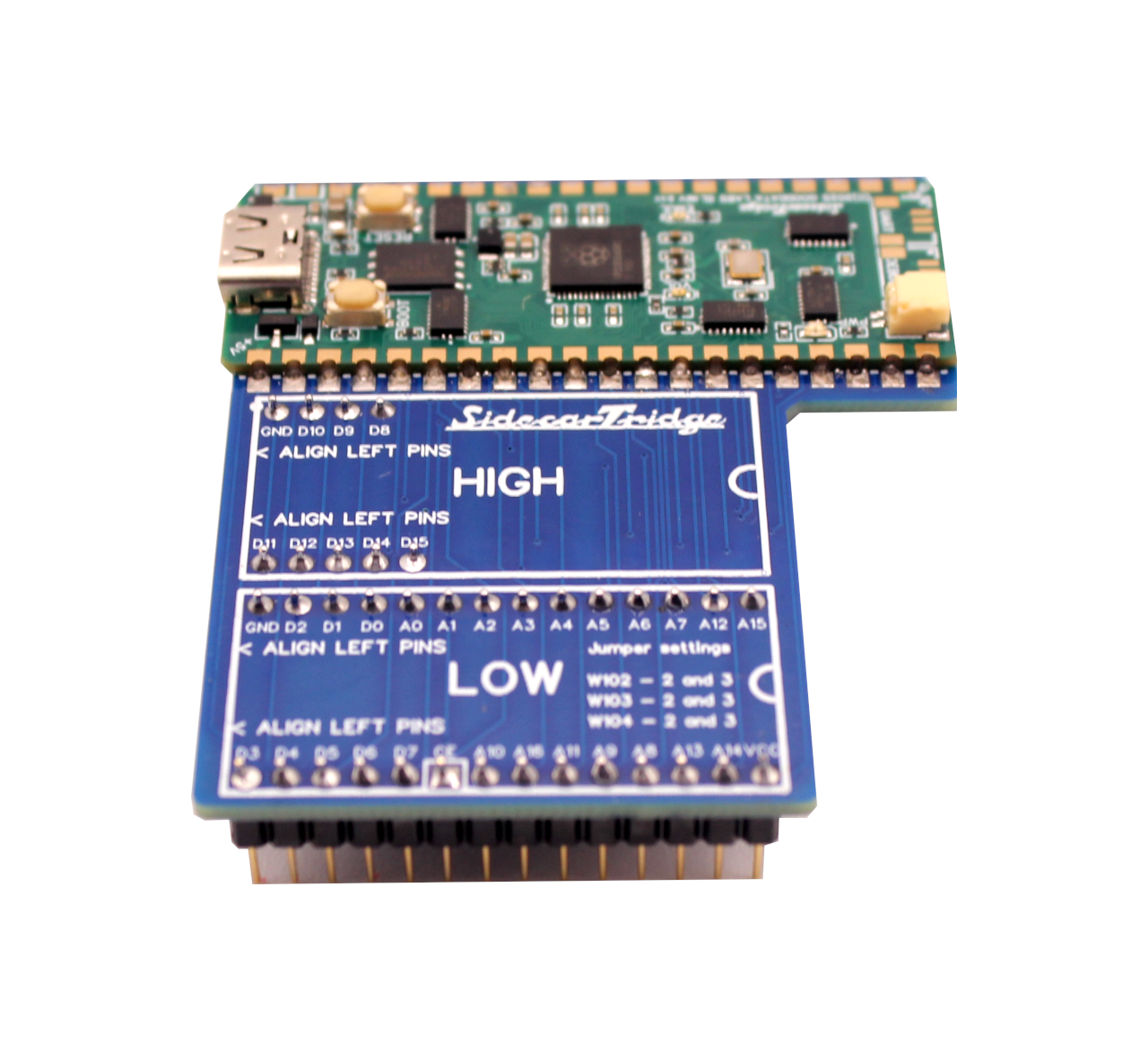
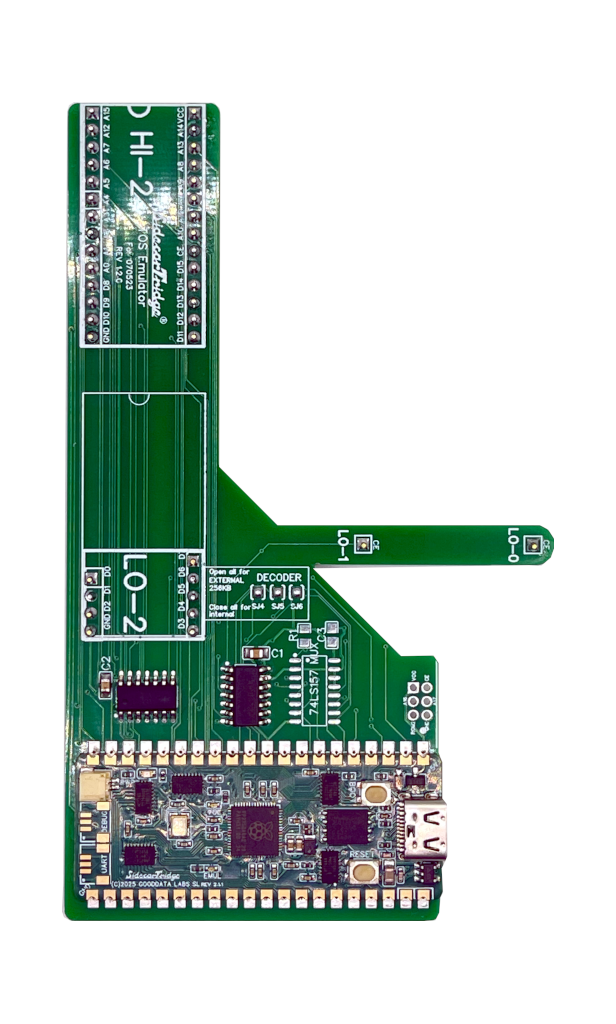
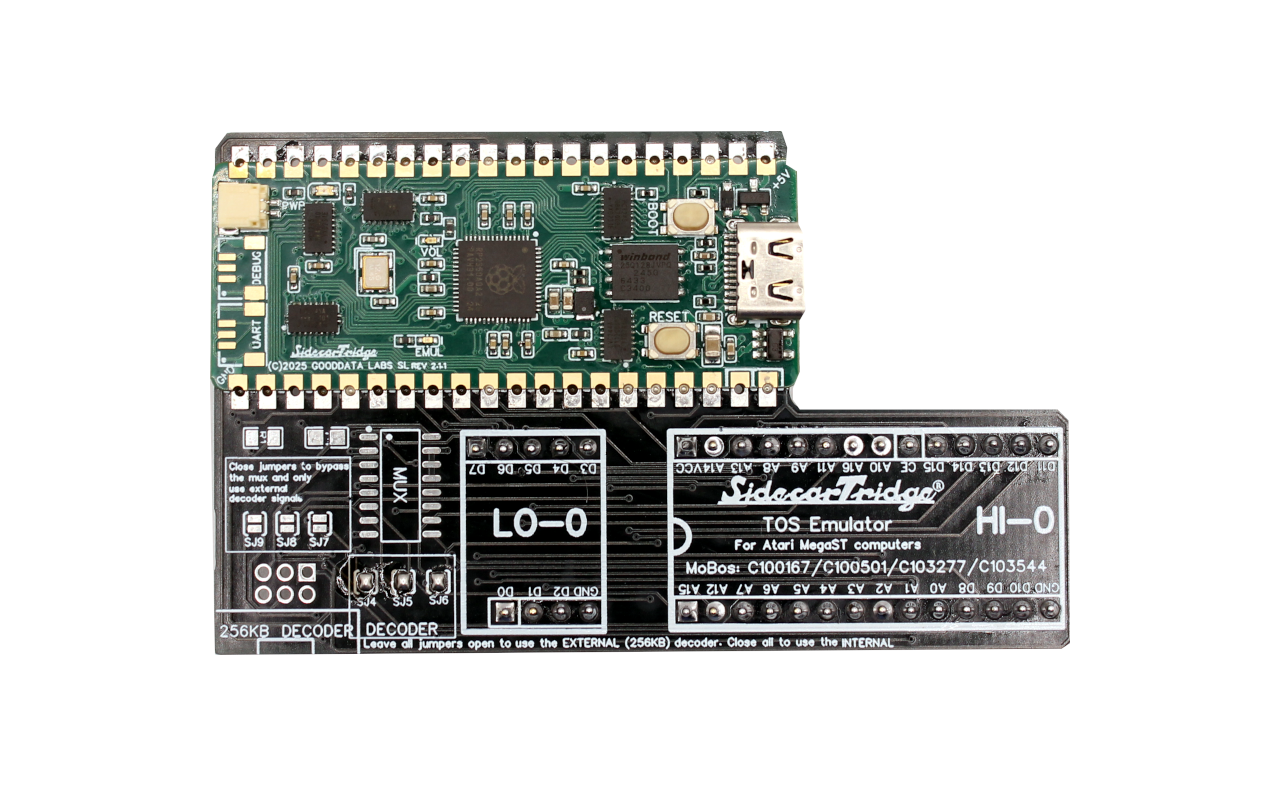
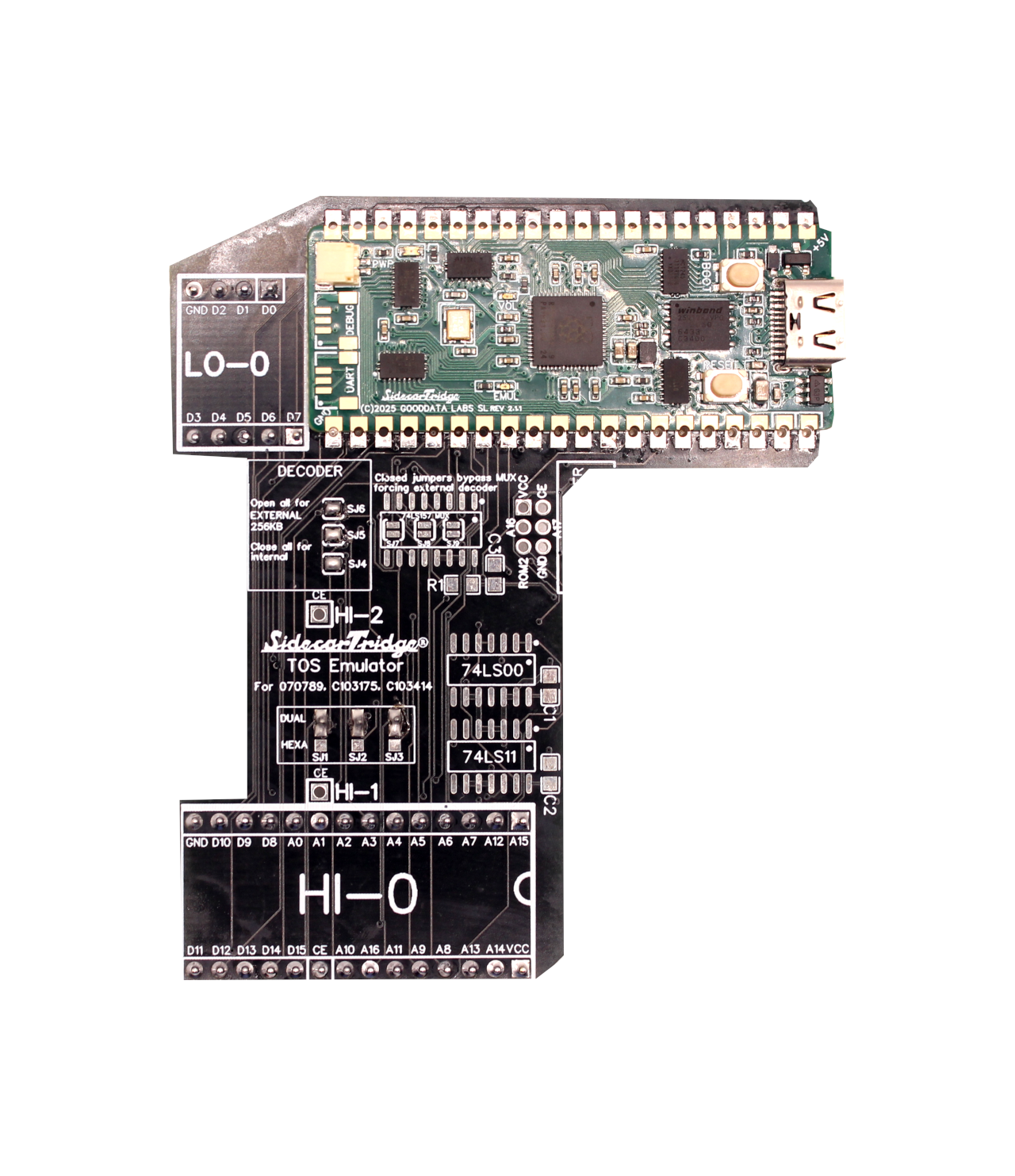
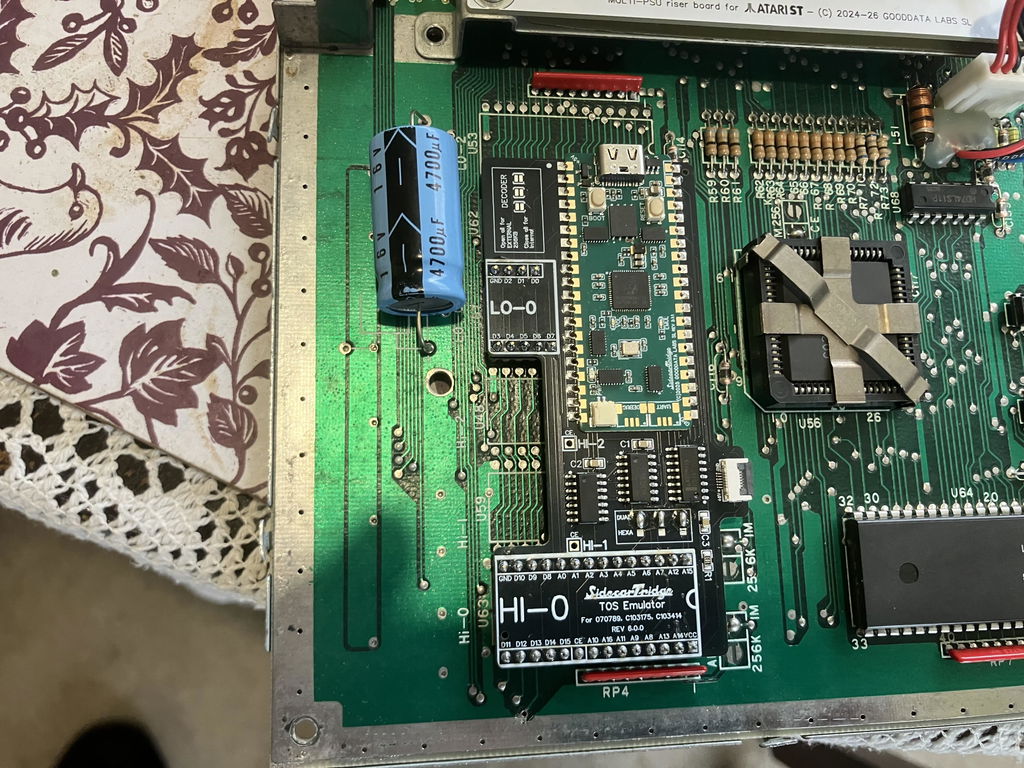
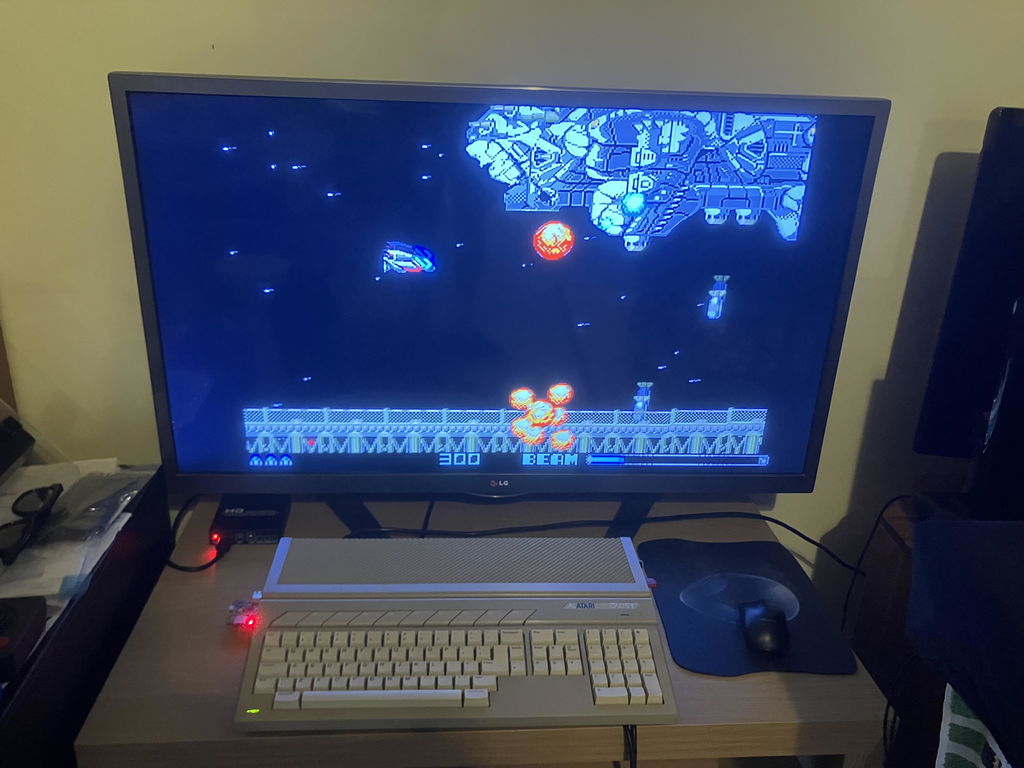
The SidecarTridge TOS Emulator replaces the ROM chips inside your Atari ST, STE, Mega ST or Mega STE with a programmable board. Store up to 64 TOS images in 16 MB of flash and switch between TOS 1.04, 2.06, EmuTOS and custom ROMs from the SWITCHER menu, without opening the case again. It is designed and supported on stock machines, and it is based on the SidecarTridge ROM Emulator board.
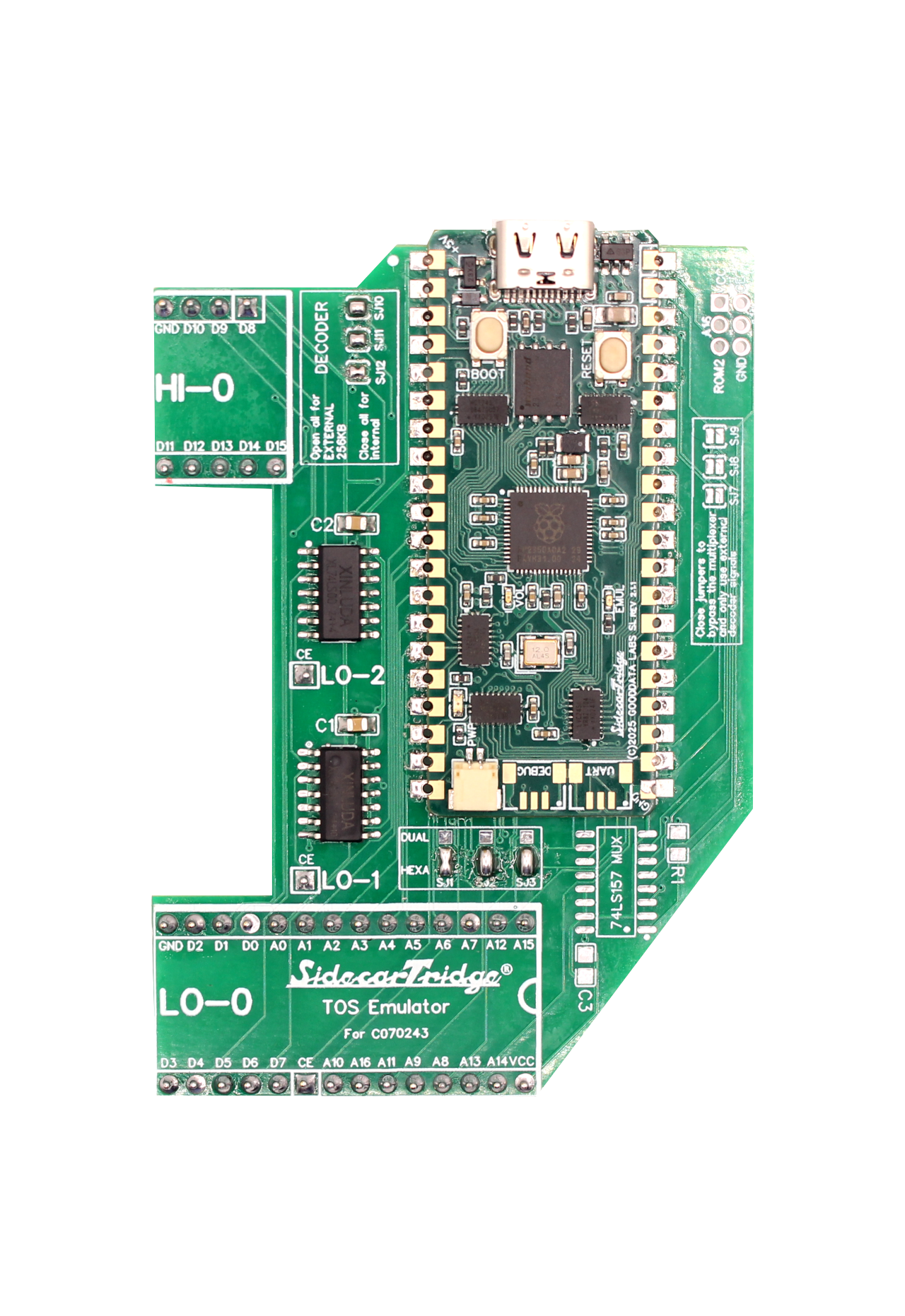
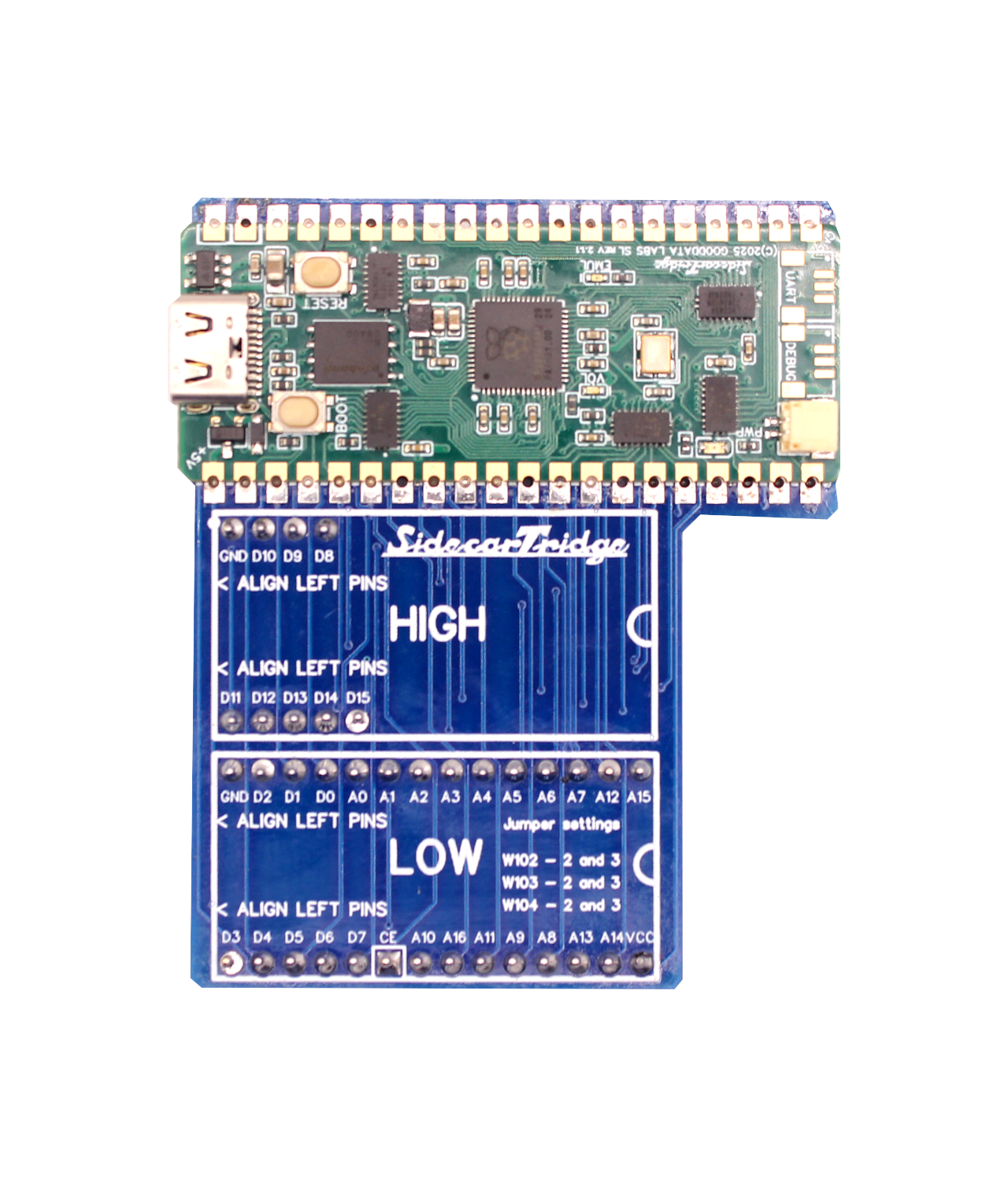
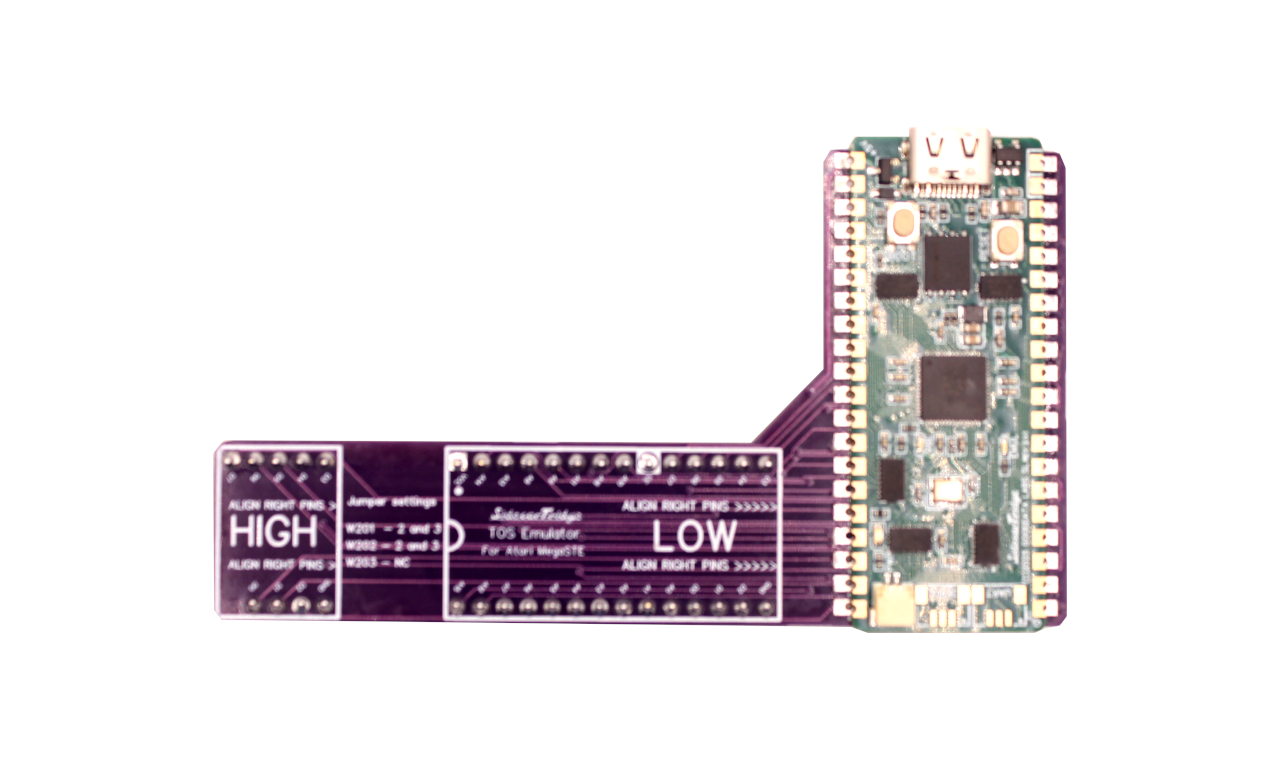
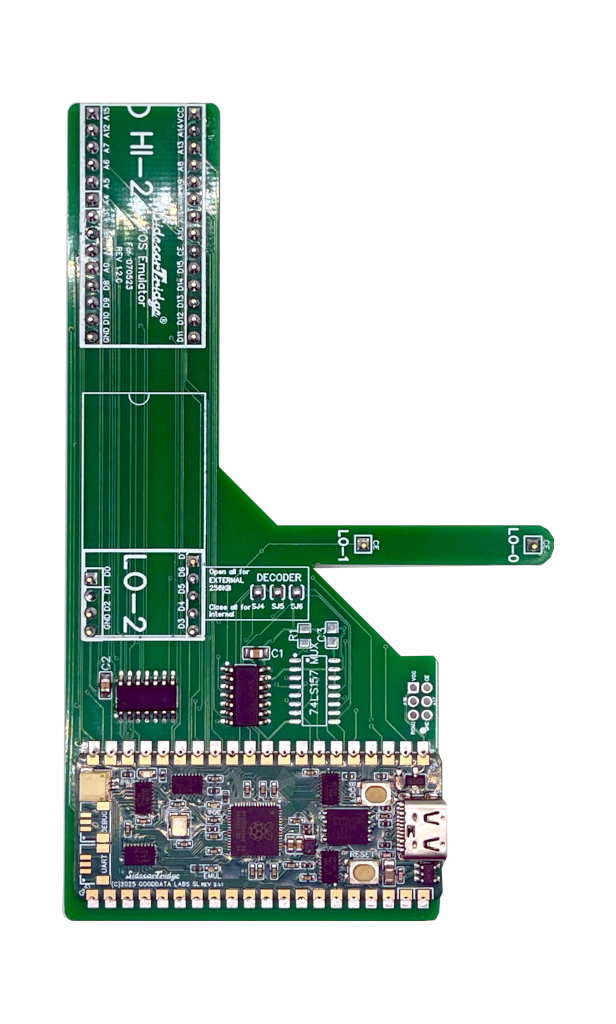
Seven kits ship from Spain, one for each Atari model and motherboard layout.
Why the TOS Emulator
Total flexibility: run any TOS revision from 1.0 to 2.06, plus EmuTOS and custom ROMs, within your machine's limits (192 KB images for the ST and Mega ST, 256 KB images for the STE and Mega STE). No more swapping ROM chips.
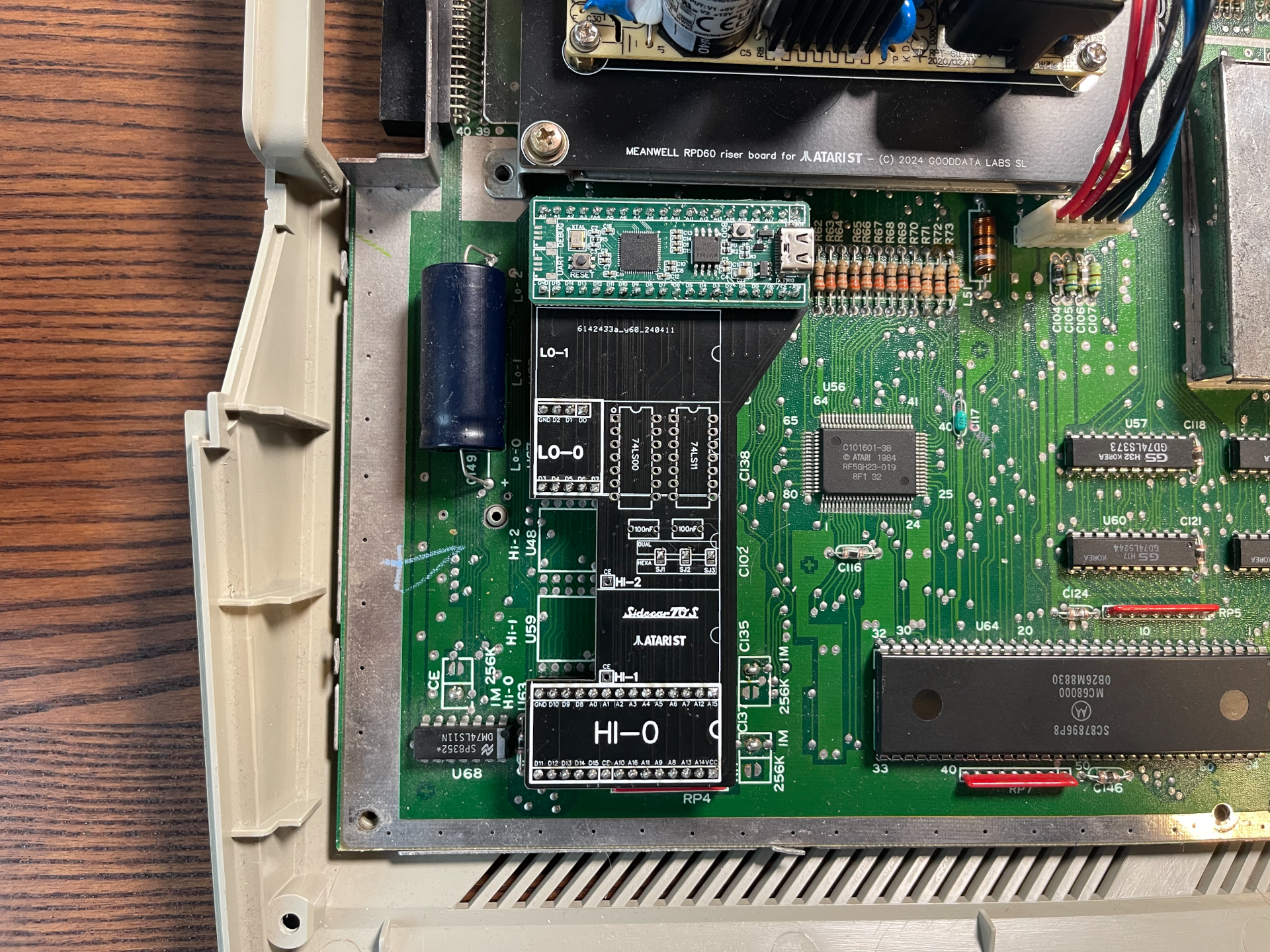
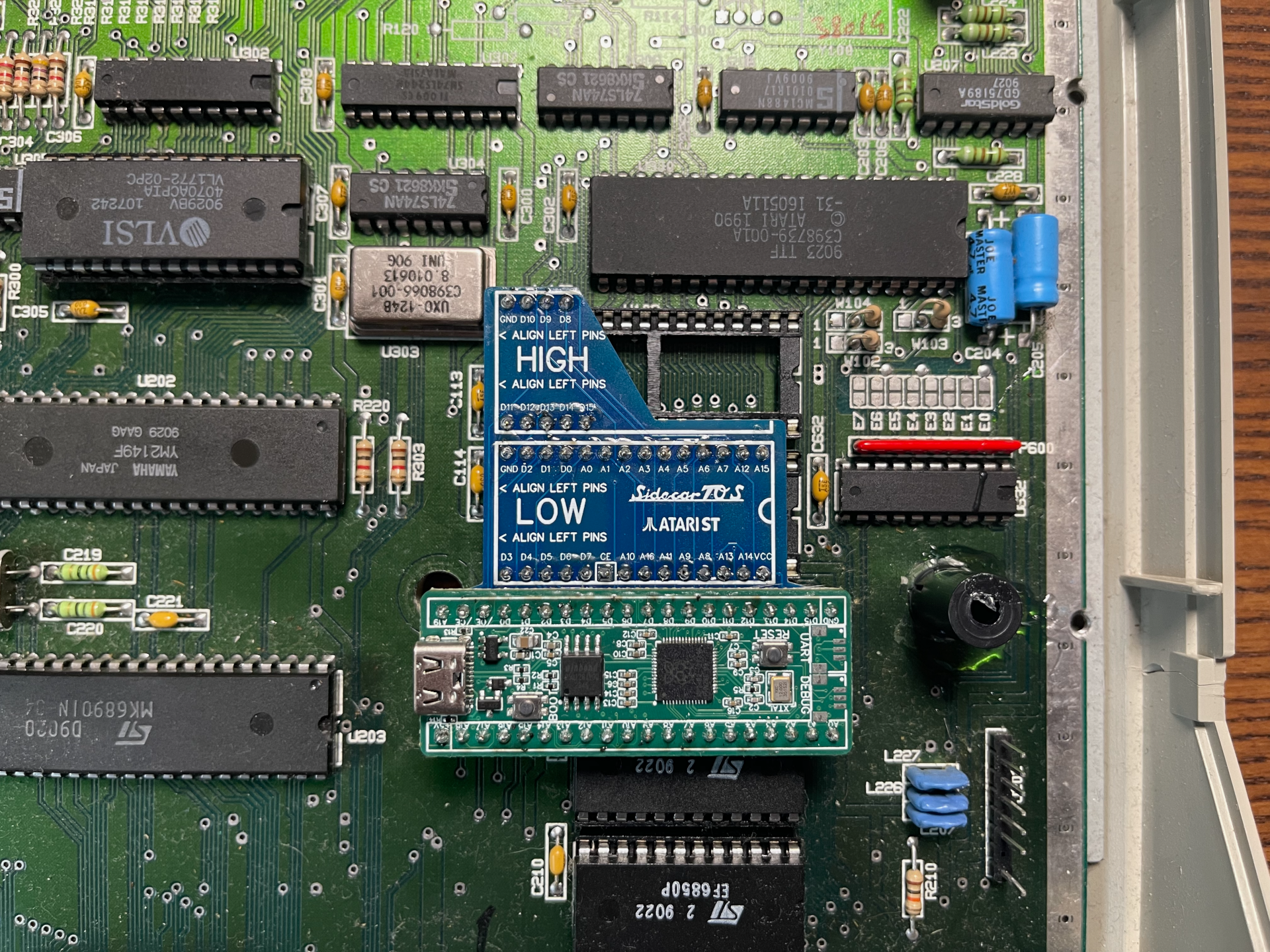
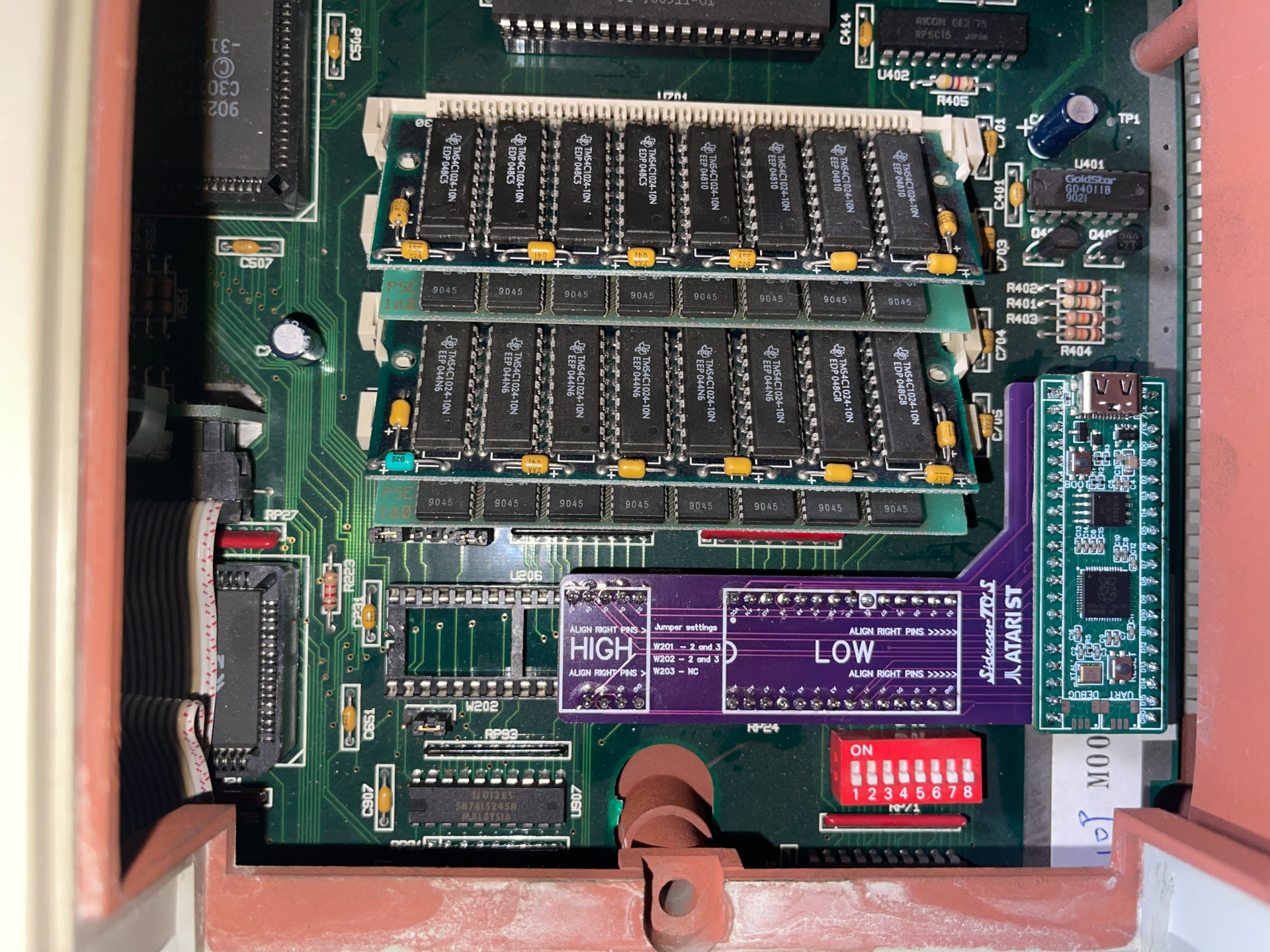
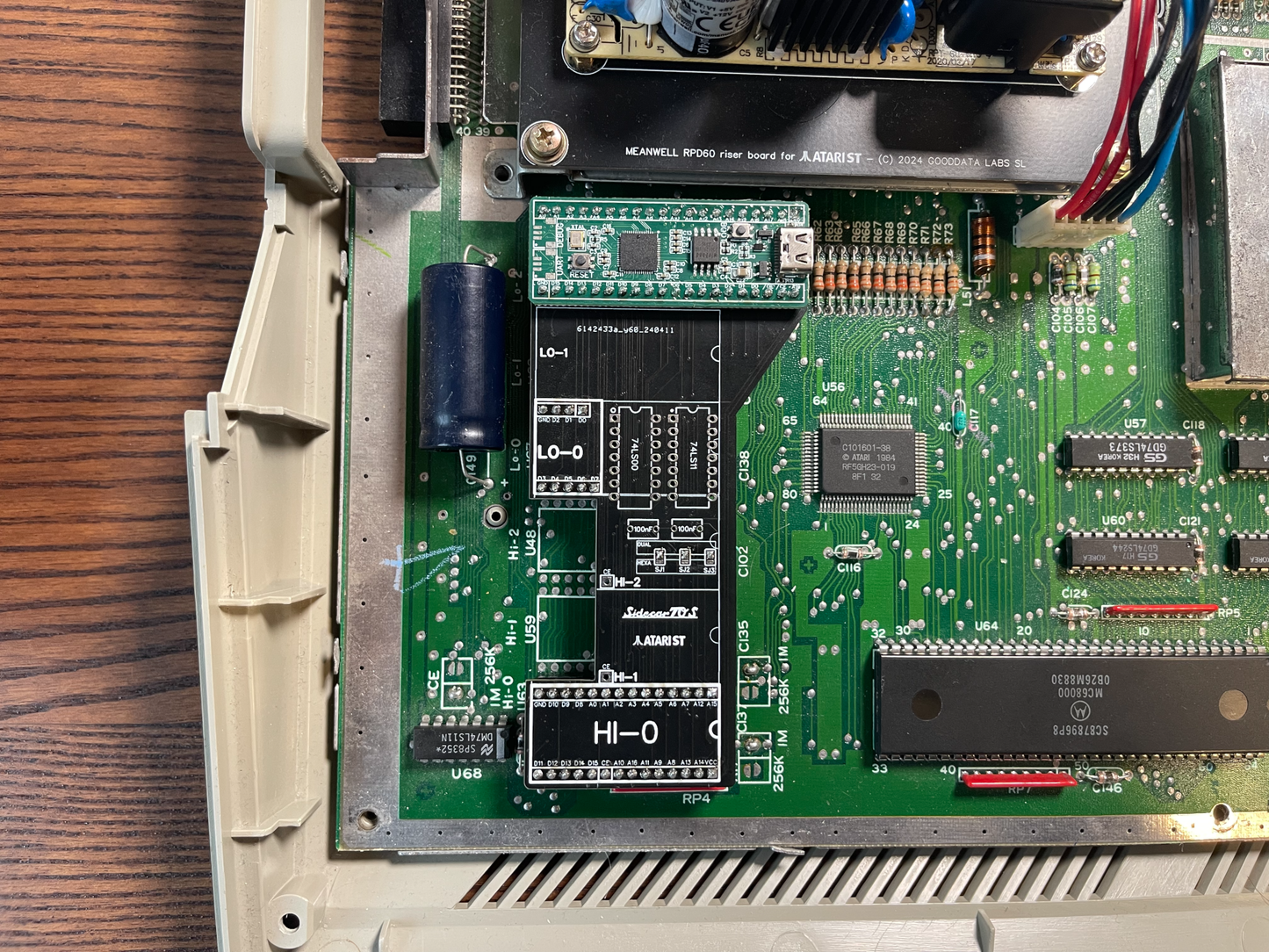
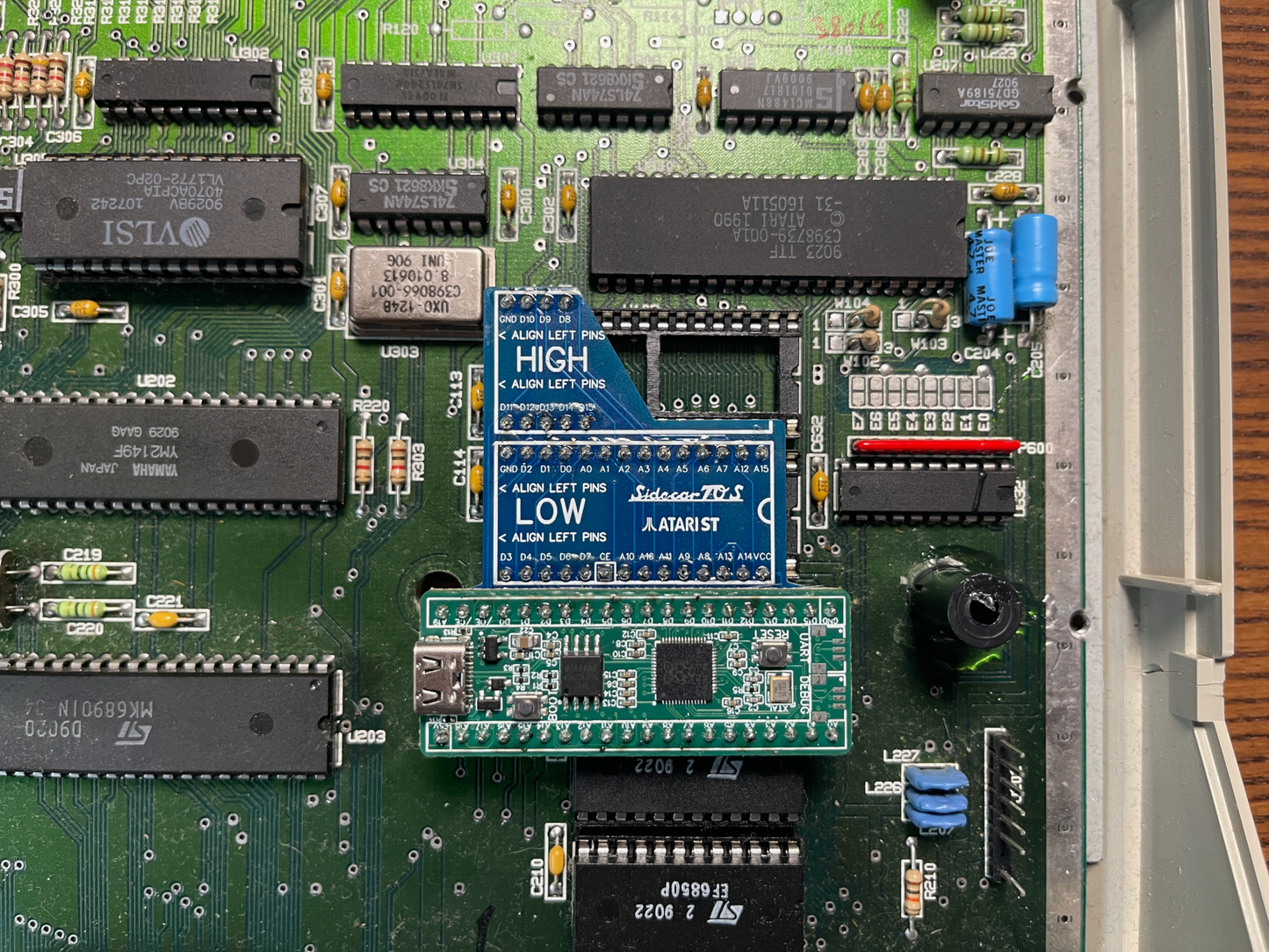
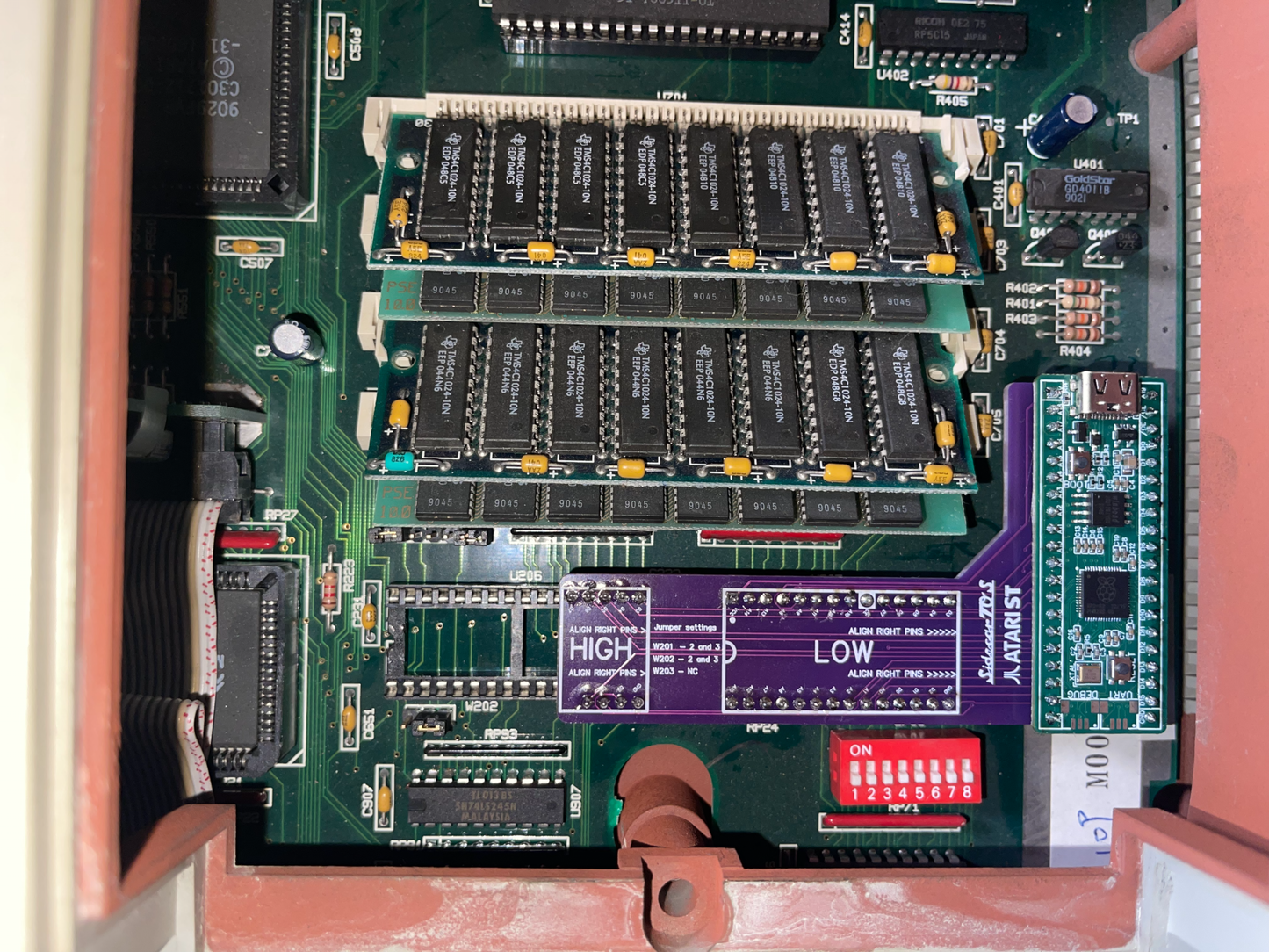
Fits inside the case: the board sits in the original ROM sockets and connects directly to the motherboard. Close the lid and the machine looks stock.
Easy uploads: plug into a PC and the board mounts as a FAT16 drive on Windows, macOS or Linux. From Firmware V2 you can also upload and delete ROMs from the Atari itself, without a PC and without opening the case.
Key features
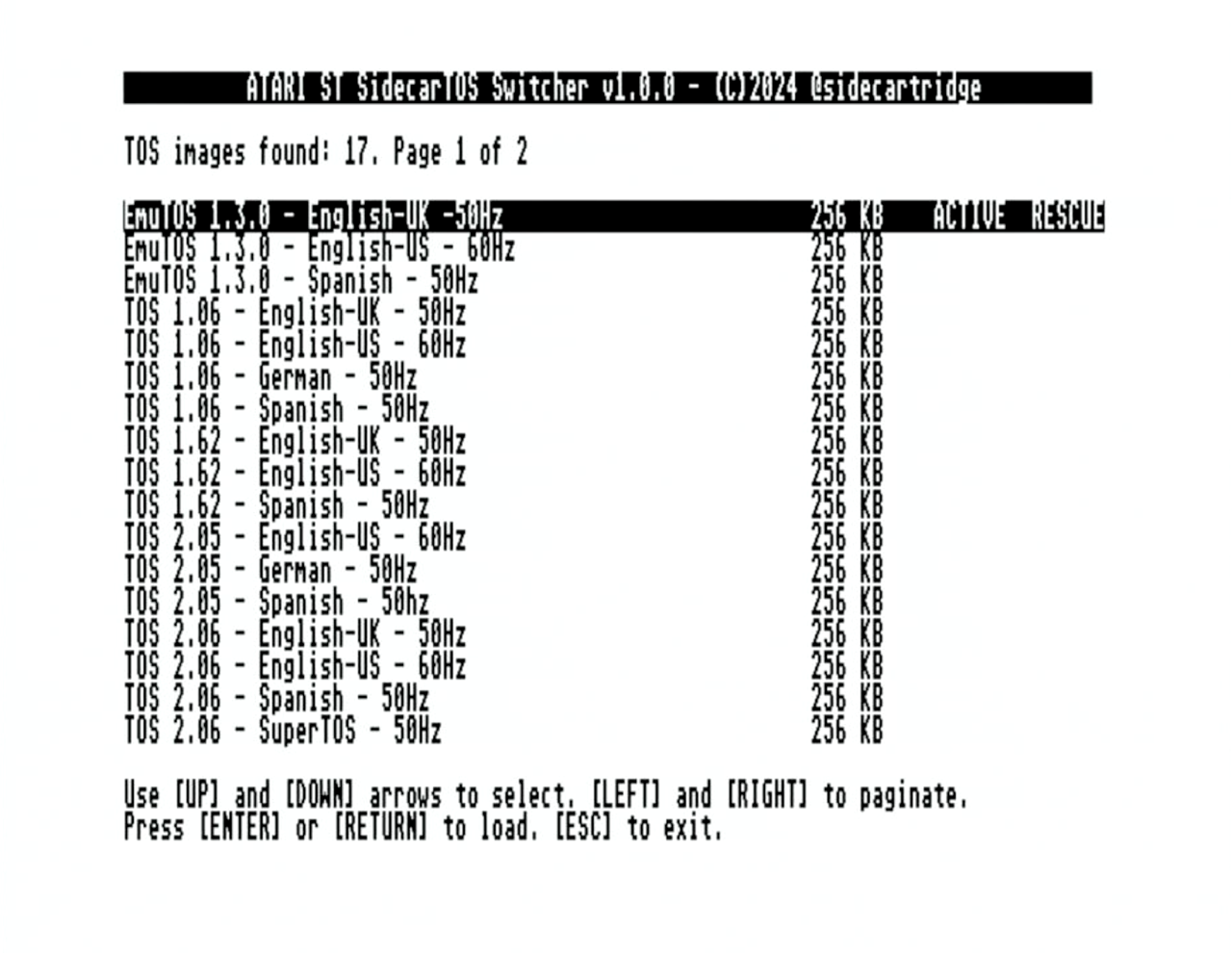
Hot-swap up to 64 TOS images: 16 MB of flash holds every revision you care about. Pick one from the SWITCHER menu and reboot.
Custom ROMs welcome: EmuTOS ships as the default image. Drop in any TOS revision or custom build that fits 192 KB (ST and Mega ST) or 256 KB (STE and Mega STE).
Signal-level emulation: the Raspberry RP2350 uses its PIO units to bit-bang the address and data lines a stock 27CXXXX ROM would drive, so no custom firmware is needed on the Atari.
Tunable bit-banging: the RP2350 lets you fine-tune the emulation timings, so the board dials in on a wider range of vintage motherboards.
Mega STE 16 MHz, cache and blitter: works on the Mega STE at both 8 MHz and 16 MHz with cache enabled. The standard Blitter patch on the Mega ST is supported.
SWITCHER.TOS: a small app you run from the Atari to pick which image the board serves on the next boot. From Firmware V2 it also handles uploads and deletes.
How it works
From the Atari's point of view nothing changed: it sees the ROM bus respond as expected and boots normally. From your point of view, the SWITCHER menu lets you pick which 192 KB or 256 KB image the bus serves on the next boot. The 16 MB flash holds the full catalog and mounts as a FAT16 drive over USB for drag-and-drop file management.
Compare EmuTOS against TOS 2.06 without flashing or burning chips, then leave the one you prefer installed.
Run an older TOS for old games that misbehave on later revisions, while keeping TOS 2.06 a menu away.
Test your software across TOS revisions on the real hardware instead of a software emulator.
Bring back an Atari with a dead or pulled ROM by dropping in a known-good image as a permanent replacement.
Find your kit
Compatibility depends on your Atari model and motherboard. Open the case, read the silkscreen at the centre-bottom of the board, then check the buying guide before ordering.
Kit
Supported motherboards
ROMs
ST+ and STM Kit
C070243
6
STF and STFM Kit
070523
6
STF and STFM Kit
070789-001, C103175-001, C103414-001
2
STF and STFM Kit
070789-001, C103175-001, C103414-001
6
STE Kit
CA4003290
2
Mega ST Kit
C103544-001, C103277, C100167, C100501
2
Mega STE Kit
CA400677
2
Installation
If your ROMs are socketed, installation is straightforward and needs no soldering or permanent changes. If your ROMs are soldered to the board, you will first need to desolder the originals and fit sockets, which takes soldering skill and basic electronics experience.
Kit content
The kit contains:
SidecarTridge ROM Emulator Board.
SidecarTridge Atari ST Carrier Board, with the ROM Emulator Board soldered onto it.
RESCUE cable and push button.
You will also need:
A USB-C cable to connect the board to a computer for firmware updates and TOS transfers. You can buy a USB-C to USB-C or USB-A to USB-C cable in our store if you do not own one.
The SWITCHER.TOS application, downloadable from our downloads page. It also ships on a 3.5 inch floppy disk.
Good to know
Designed, tested and supported on stock Atari ST, STE, Mega ST and Mega STE machines. Memory expansions, CPU accelerators, custom logic replacements, bodge wires and aftermarket ROM adapters are out of scope and not covered by warranty. The one exception is the standard Atari Blitter patch on the Mega ST. If your machine is modified, contact us before ordering.
Supports Atari ST, STE, Mega ST and Mega STE with two or six socketed ROMs. Check the compatibility matrix for the full list.
TOS is copyrighted material. You should own a legal copy before using it with the board. EmuTOS is free and ships pre-installed.
The ‘TOS Emulator is extremely awesome and i love it. I had a few difficulties getting it to stay seated in the low socket but sorted it in the end by slightly wedging it under shieldI also drilled and filled Rescue Switch. The high end on my Atari 1040 STFM was close to shorting on shield but insulated the metal and slightly cut down excessive chip legs on top of device. All Is Working amazing and so easy to use, would definitely recommend. Great work SideCart
M
Marco
Funzionale e utile!
Choosing a selection results in a full page refresh.
Opens in a new window.
ES
Spain
Oct 12, 2026 23:47
Product Tag :
Product Collection :
0 :
620665078093
1 :
620803490125
0
0
0
0
1
0
0
SidecarTridge® TOS Emulator for Atari ST/E and MegaST/STE
×
PayPal Pay Later Messaging
Step 1: Choose message placement
Click the button below and then hover over your page to select a placement.
Step 2: Paste and save
You have copied the placement for the Product Page.
Go back to the App Embeds section, and in the Paypal Advanced Settings, paste the copied value into the
Product Page field and click the 'Save' button in the top right corner.