


SidecarTridge Multi-device
SidecarTridge Multi-device
Couldn't load pickup availability
An apps platform for your Atari, in a cartridge
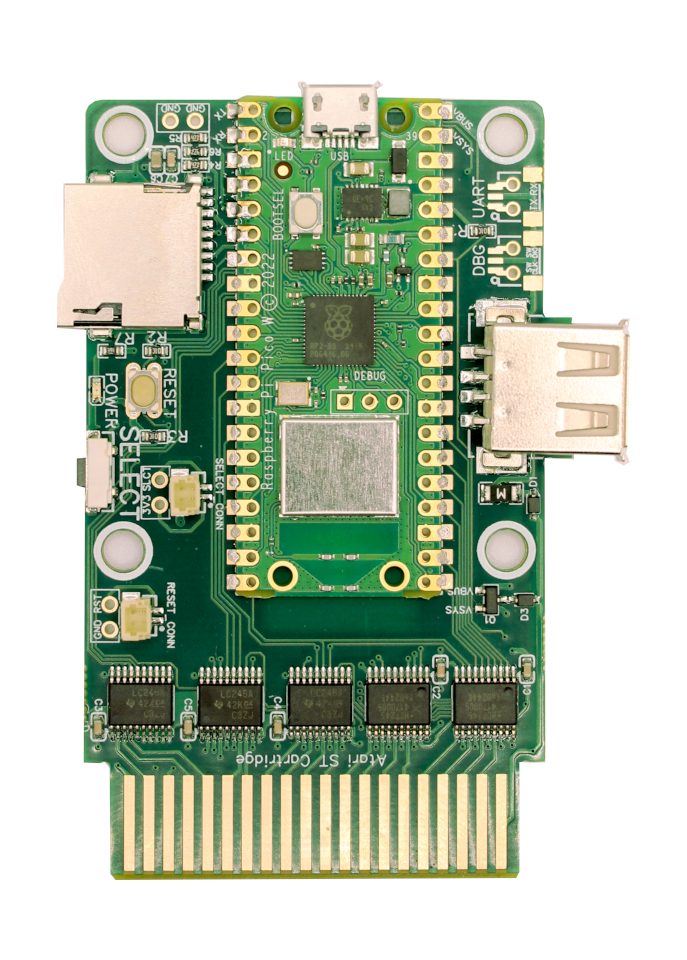
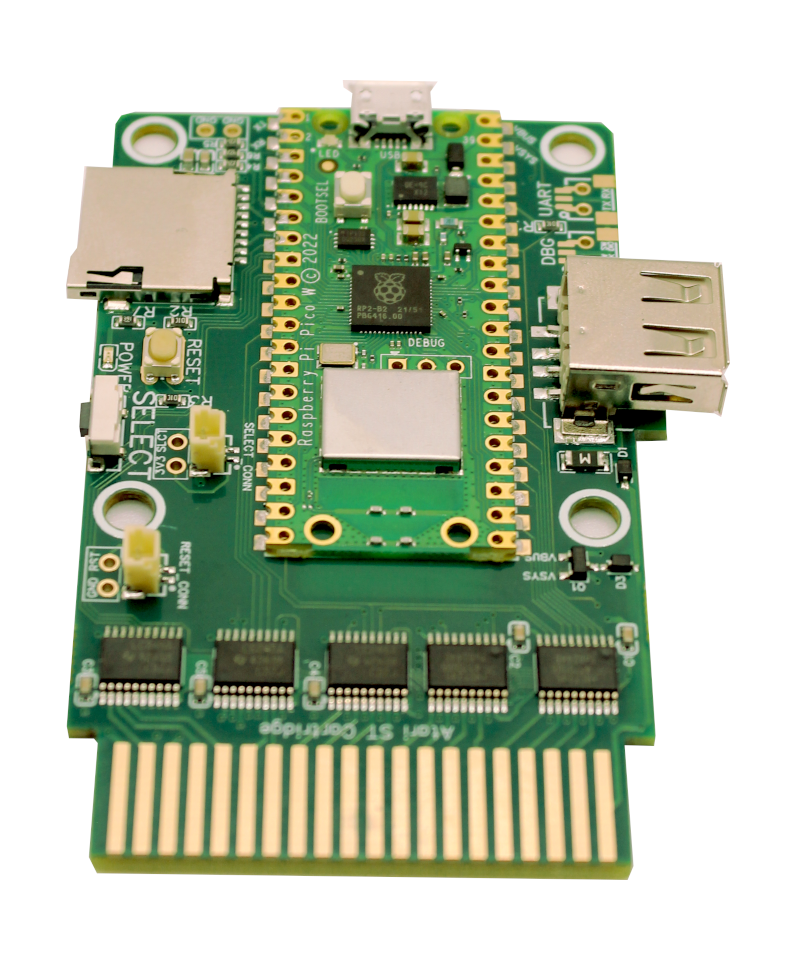
The SidecarTridge Multi-device plugs into the cartridge port of any Atari ST, STE, Mega, TT or Falcon. Inside sits a Raspberry Pi Pico W that adds Wi-Fi and a microSD slot, and runs a growing catalog of 12 modular apps. Boot floppy images, swap ROMs over the air, run a hard disk without opening the case, or download games online. No soldering and no internal mods required.
Not just an emulator. An apps platform.
Powered by Firmware V2, the Multi-device runs a catalog of modular apps that you switch in seconds, with no reflashing and no extra hardware. New apps arrive over the air as they ship. Highlights:
- Drives Emulator: floppy and hard-disk emulation from a microSD card. Boot any image and swap on the fly, no mechanical drive required.
- ROM Emulator: swap cartridge ROMs over Wi-Fi. Browse the online catalog from the ST itself and load 64K or 128K images on the spot.
- Browser: search floppy images directly from your ST. Type a title, press Enter, watch it boot over Wi-Fi. You can also browse the same catalog on the Atari ST Public Floppy Database.
- MIDI-to-IP: bridge your ST's MIDI port to the Internet and play MIDI Maze against players in other cities.
- RTC and many more. Browse the full app catalog at the Multi-device app store.
What it does
SidecarTridge Multi-device is a state-of-the-art multi-device emulator for the Atari ST, STE, Mega, TT and Falcon families. It builds on the RP2040 microcontroller of the Raspberry Pi Pico to:
- Emulate 64 KByte and 128 KByte cartridge ROMs by loading the binary files from a microSD card or over Wi-Fi.
- Read and write the cartridge bus in real time, so it can emulate floppy disks, hard disks, real-time clocks, keyboards, mice and more.
- Grow with you. Thanks to its open architecture and open-source code, the device keeps gaining capabilities.
What's new in version 3
- Smaller and more compact: a slimmer design makes installation easier while keeping all functionality.
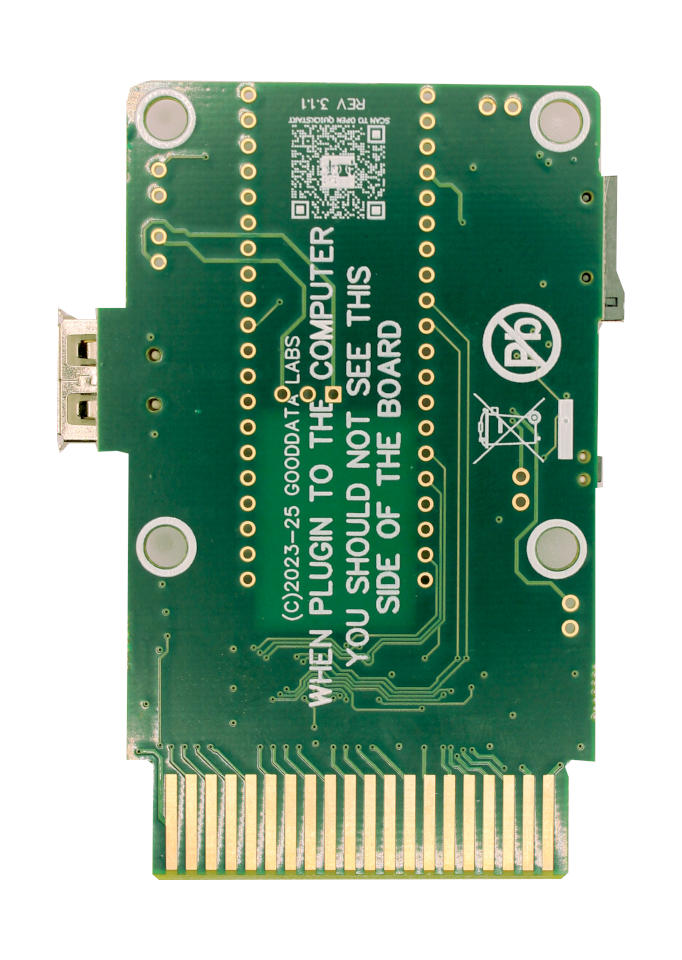
- Enhanced performance and stability: ENIG PCBs and an optimized track layout improve signal integrity and reduce electrical noise, especially in older machines.
- Improved power efficiency: optimized power handling lowers consumption without compromising performance.
- Stronger Wi-Fi signal: a larger copper window for the antenna boosts signal strength and reduces interference.
- Flexible Pico W integration: supports direct soldering or reflowing of the Raspberry Pi Pico W for a professional-grade assembly.
- Expanded connectivity for makers: JST and classic two-pin connectors to externalize the RESET and SELECT buttons, plus UART and DEBUG access for advanced users.
And of course, 100% backward compatible with the previous version.
What you get
This is the assembled edition: a Revision 3.x board with the Raspberry Pi Pico W reflow-soldered, ready to use out of the box with no soldering needed. It ships with Firmware V2 pre-installed.
Developing your own apps? The Multi-device for developers comes with a Pico WH and its SWD debug connector, ready for the Raspberry Pi Debug Probe.
Good to know
- You will need a microSDHC, microSDXC or microSDUC card formatted as exFAT. Plain microSD (SDSC) cards are not supported.
- This product does not include the USB-A to micro-USB data cable. You can find one in our store.
- Not compatible with the plain Raspberry Pi Pico (non-W) or the Pico 2W. The Wi-Fi module (Infineon CYW43439) is only present on the Pico W and WH.
- Atari TT and Falcon support requires Firmware V2. Not every app runs on the TT and Falcon yet. Check per-machine availability in the app catalog.
New to the device? Follow the quickstart guide.
Share
- 5 stars: 7 (88%)
- 4 stars: 1 (13%)
- 3 stars: 0 (0%)
- 2 stars: 0 (0%)
- 1 star: 0 (0%)
Excellent addition to your Atari. Floppy and HDD emulation in one place at very attractive price. I also like the idea of openness, where 3rd party developers can create apps for it, adding the new features.
Brilliant device arrived perfectly. Works a treat thanks
Perfect idea, perfect execution, perfect device.
Thank you!
Great bit of kit! Extremely good documentation on all of the functions and on how to get it up and running.
I love it. I would still like hdmi port on the cartridge or a device created for hdmi output
Great price for a very cool device <3
I kinda liked better the earlier operating system but... it's still a very nice bit of kit!
Great product! Fast shiping great condition